

Configure issuance
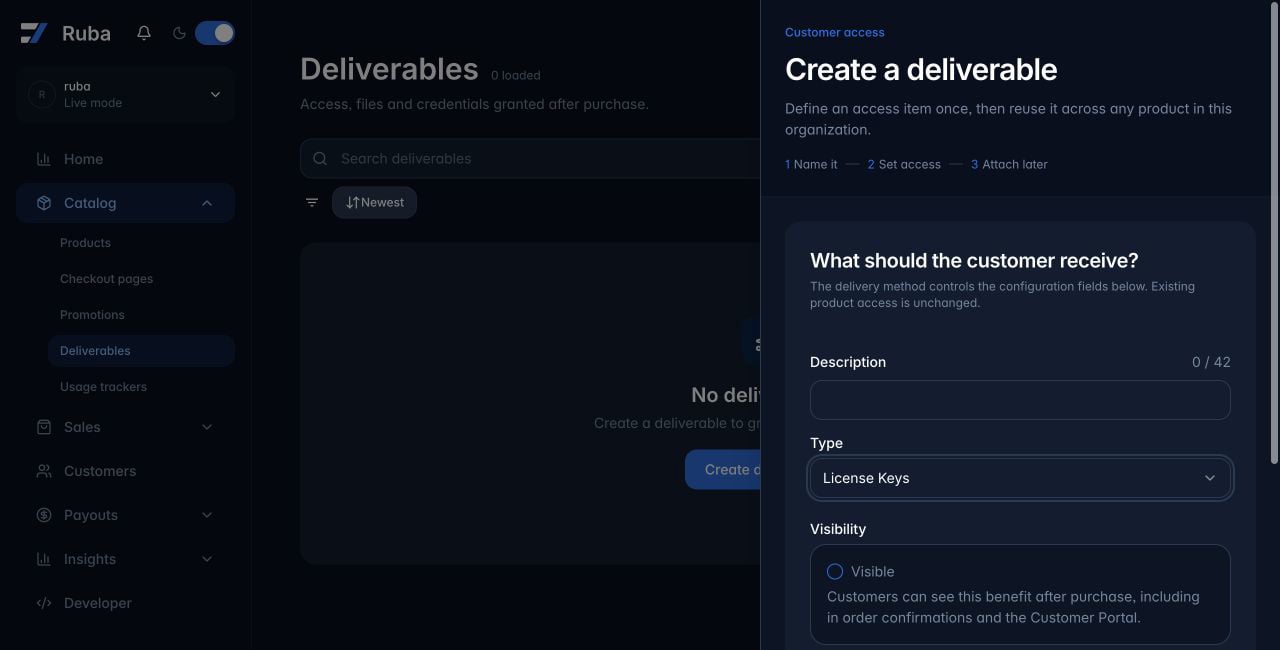
Create a License Keys deliverable from Catalog → Deliverables. Configuration may include: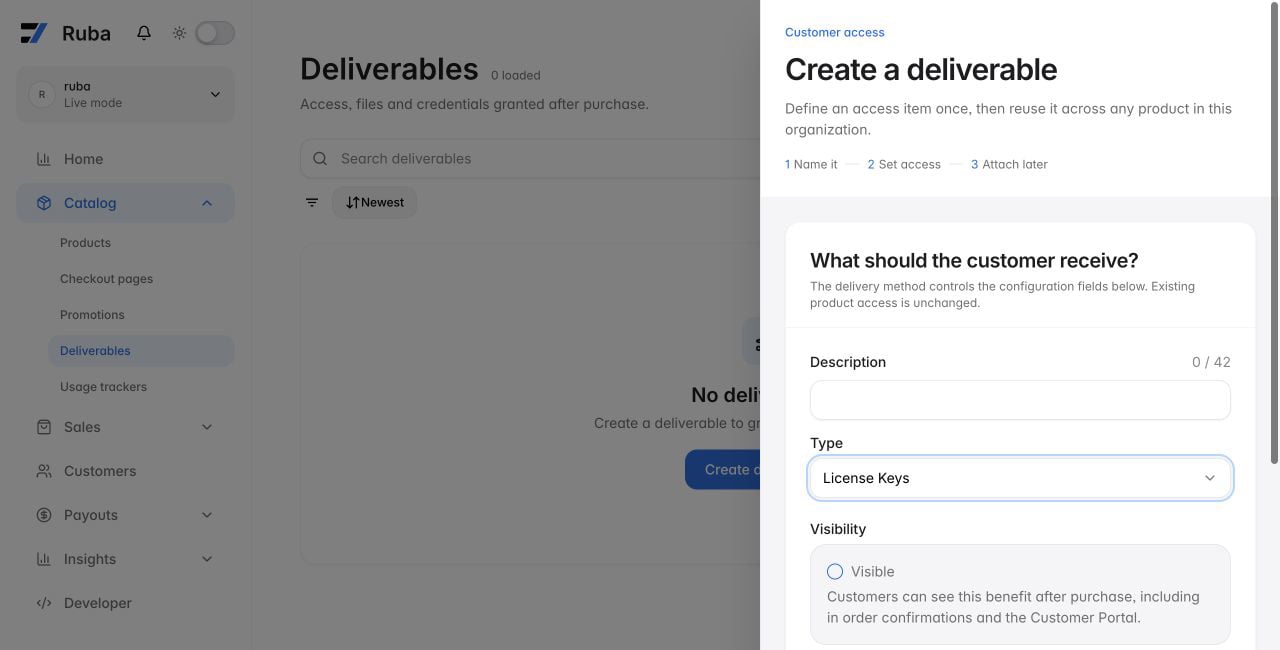
- a brand prefix such as
MYAPP_; - expiry after a number of days, months, or years;
- a maximum number of activations;
- conditions stored with each activation;
- a usage allowance incremented during validation; and
- automatic revocation when the subscription supplying the deliverable ends.
What the customer receives
The purchase page shows the key, expiry, remaining usage, and activation list when those controls apply. When customer deactivation is enabled, the customer can remove an activation without your team building another administration screen.Decide whether activation is required
Skip activation when the key has no activation limit. Otherwise create an activation before validation and store a label, optional metadata, and any conditions your application will check later.Activate
label identifies the instance. conditions contains values that must match later validation, while meta stores context that is not itself a condition.
Validate at the access boundary
Call Validate License Key when a premium session, API request, or application launch needs an access decision.Validate
increment_usage consumes the specified amount from a usage-limited key.
Always check organization_id so a valid key from another Ruba organization cannot be accepted. When the organization sells several License Keys deliverables, also match benefit_id to the expected product capability.