

Define the data before the form
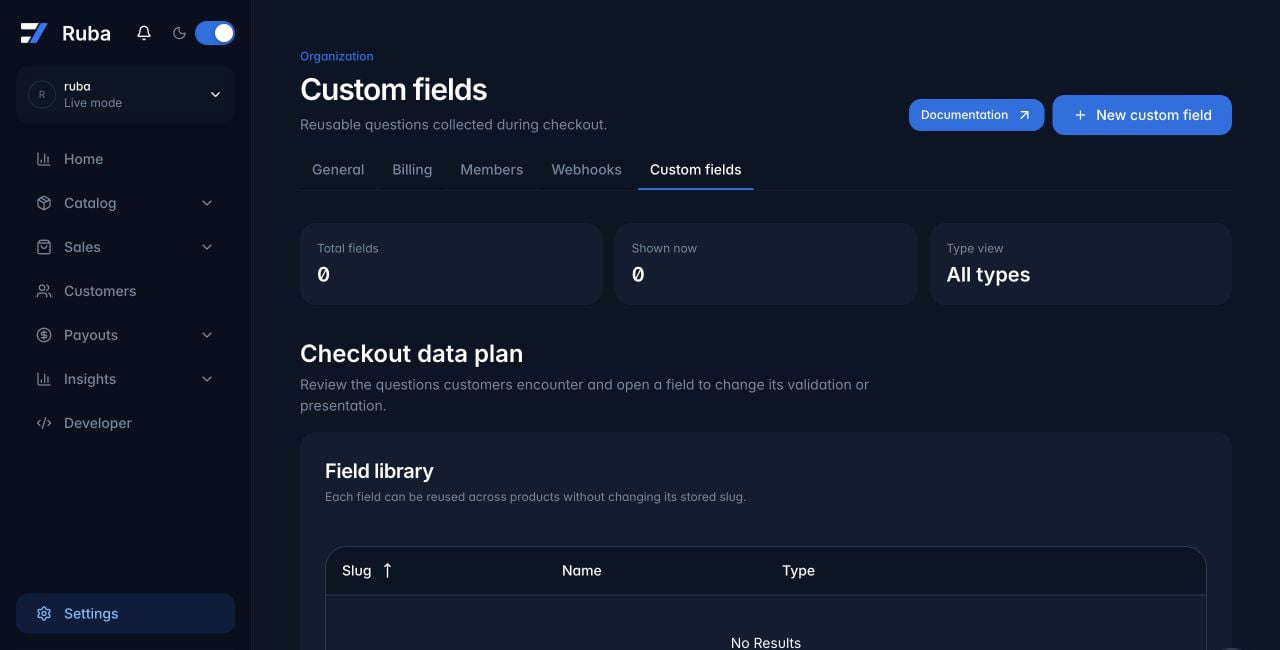
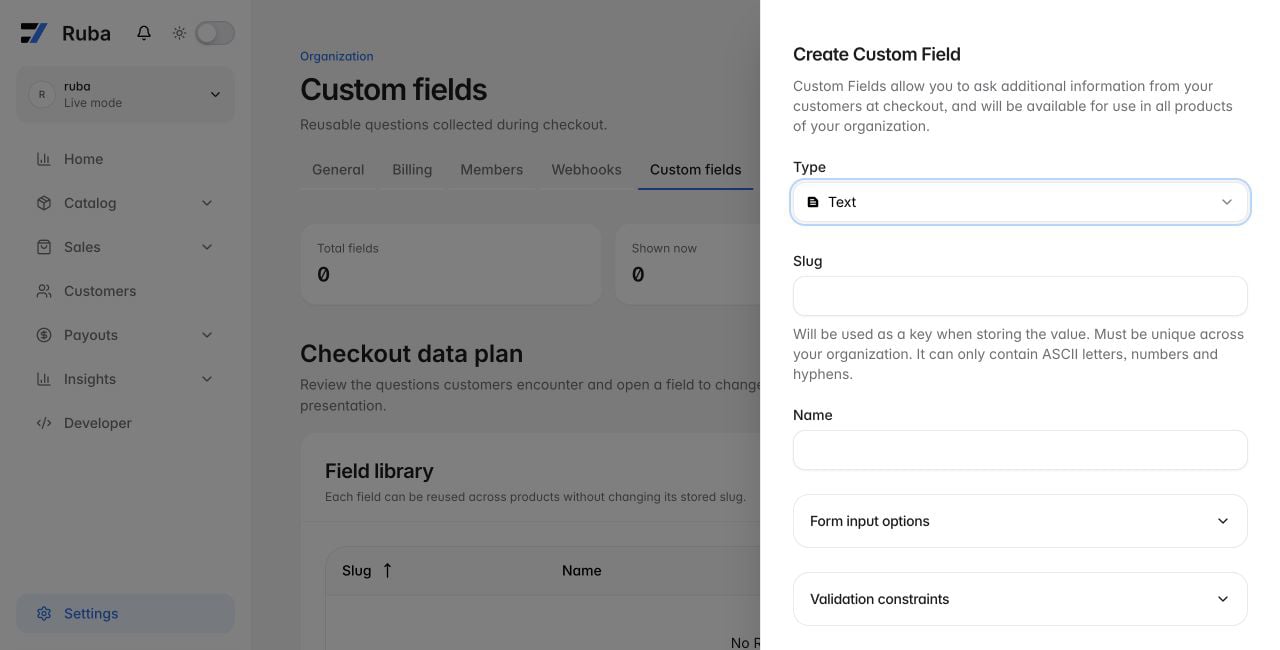
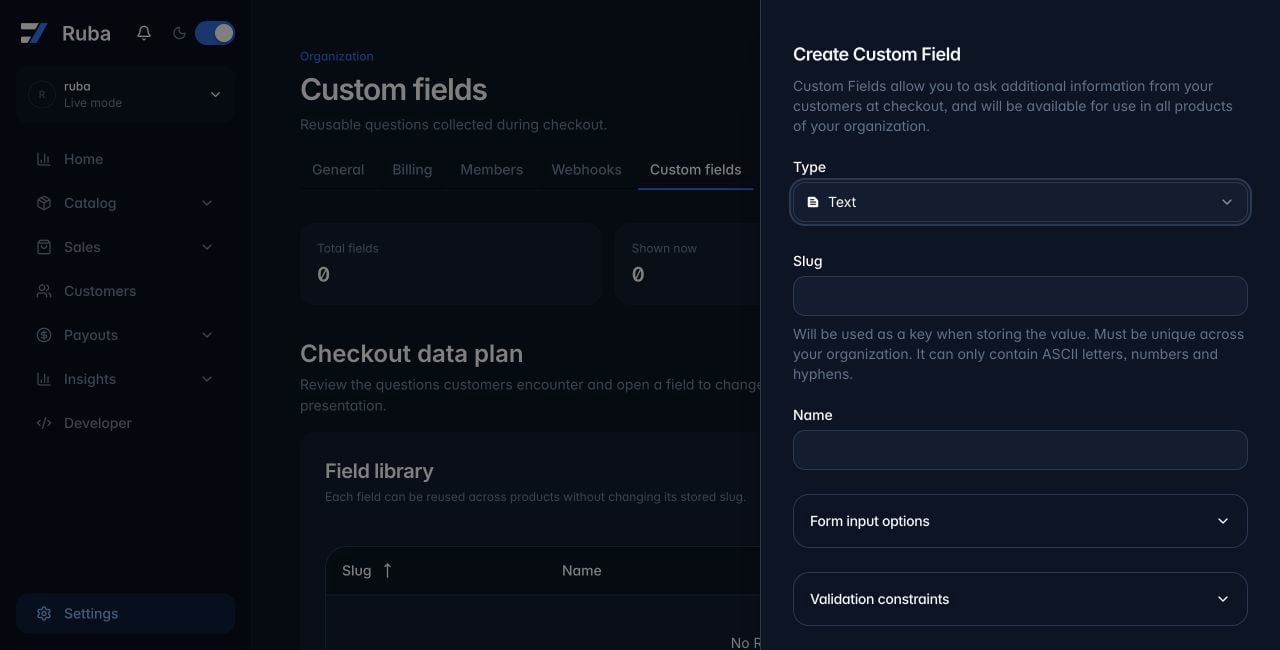
Open Settings → Custom fields and create an organization-level field. Products choose from this shared library later. The field type is permanent after creation because it controls both the checkout control and stored value:Separate internal identity from customer copy
The slug is the unique organization-wide key used in orders, subscriptions, and API responses. It can be renamed later; Ruba updates existing data to the new key. The name identifies the field in the dashboard and becomes its initial checkout label.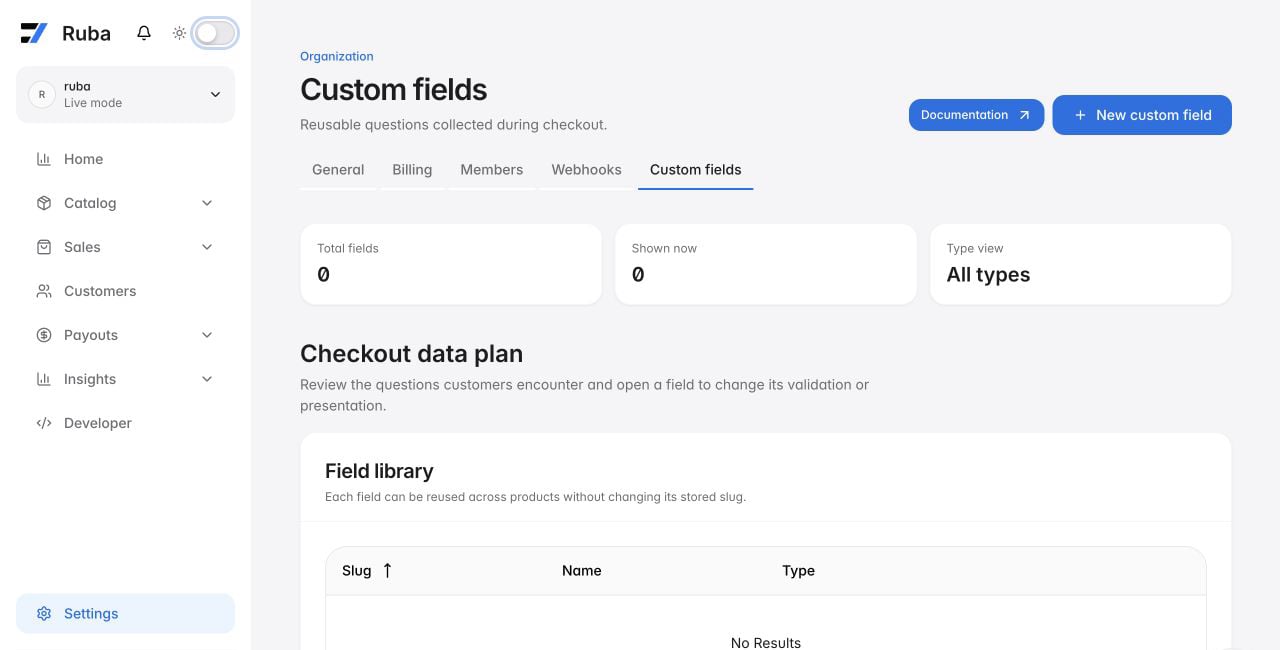
Attach questions to a product
Edit or create the product, select the fields that belong on its checkout, and mark each one optional or required. A required checkbox must be checked before confirmation, which makes it suitable for explicit agreement to linked terms.Consume the answers
Sales views add the organization fields as columns on orders and subscriptions. The Orders API and Subscriptions API return the same values undercustom_field_data, keyed by slug: