

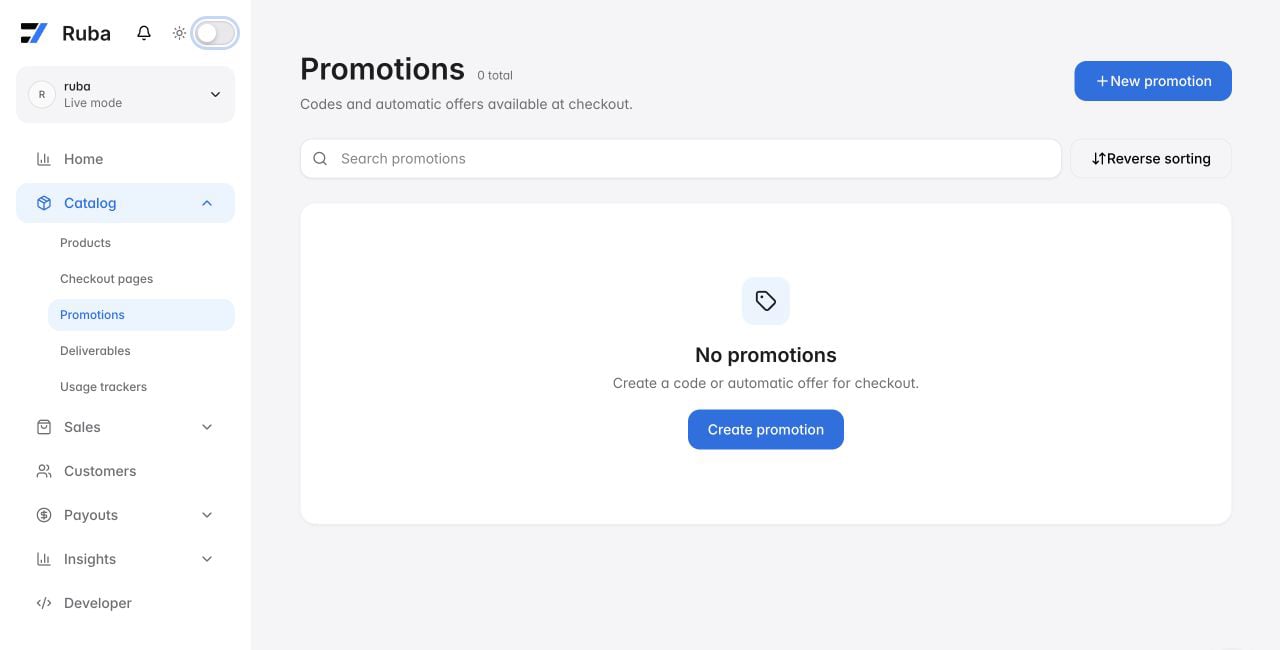
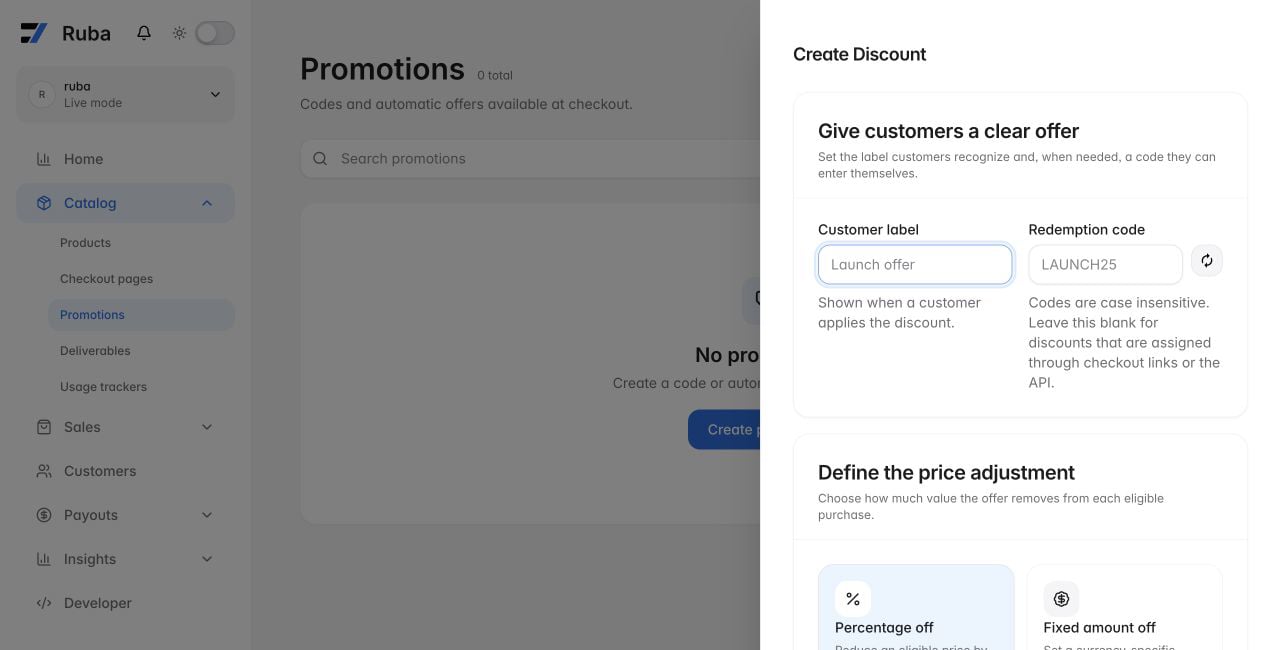
Define the offer
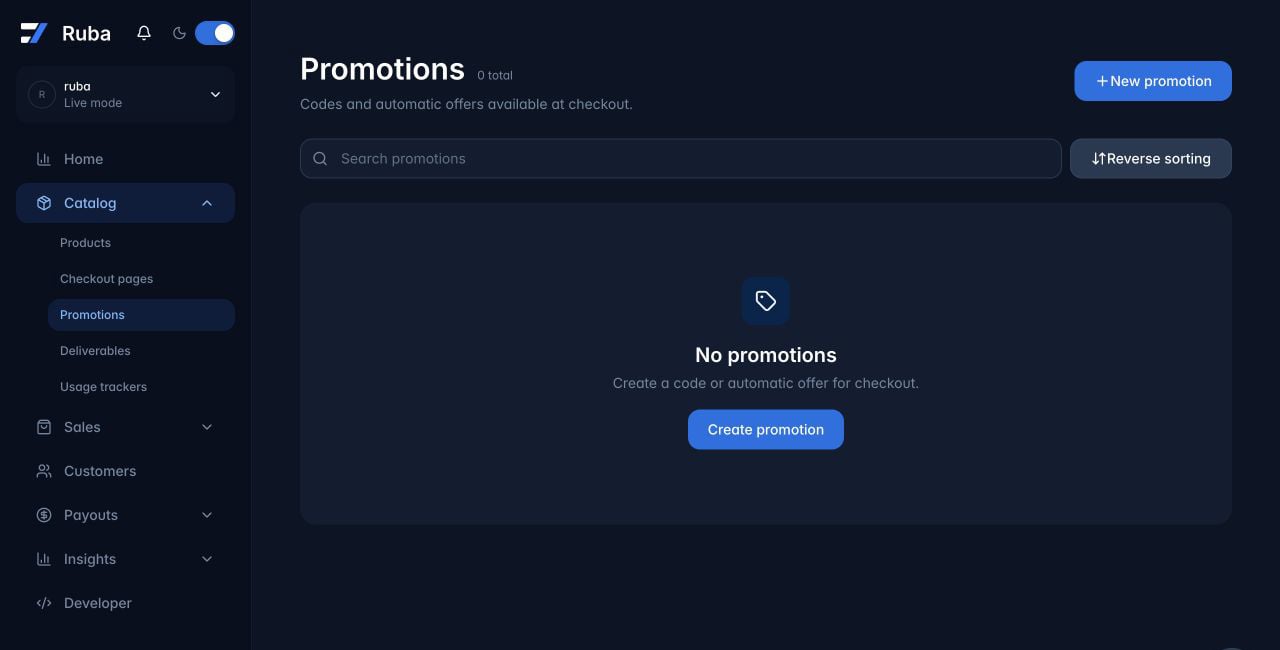
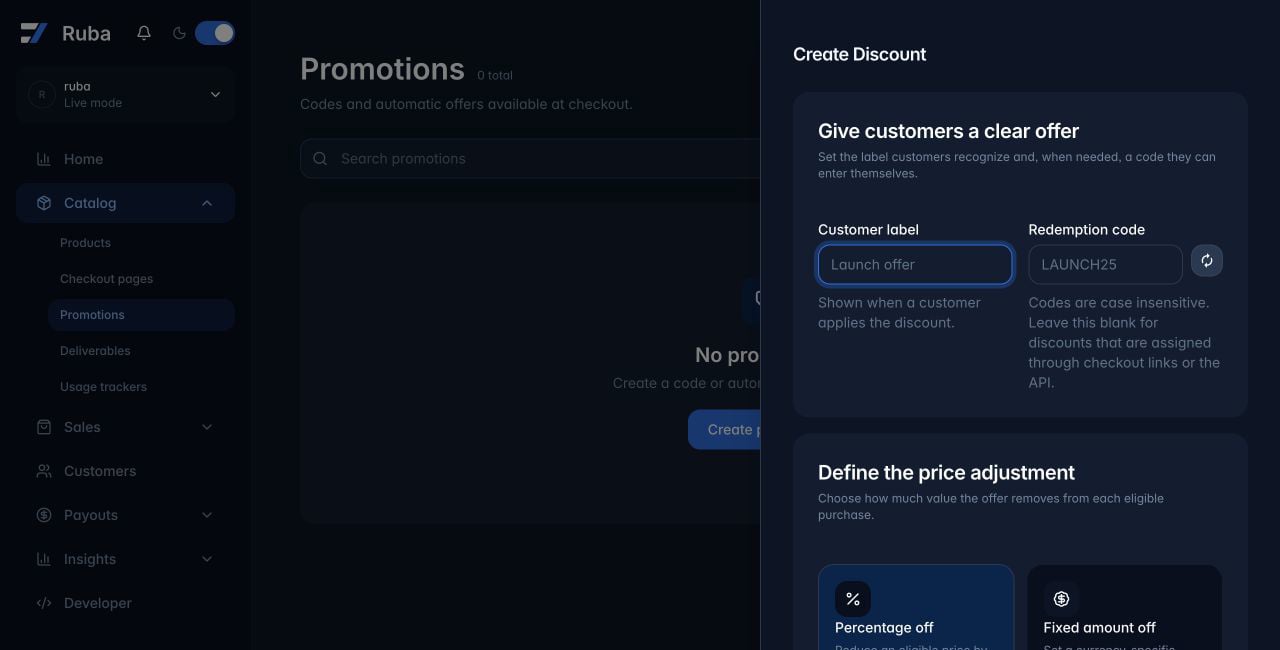
Create it from Catalog → Promotions.Choose the checkout path
Guaranteed campaign price
Preset the discount while creating a checkout page. Every buyer arriving through that page receives it without entering a code. This is also how a code-less discount is used outside the API.Visible code prefill
Appenddiscount_code to a checkout page URL. Ruba fills the form field, but the buyer still sees the value on checkout.