

Before the first payout
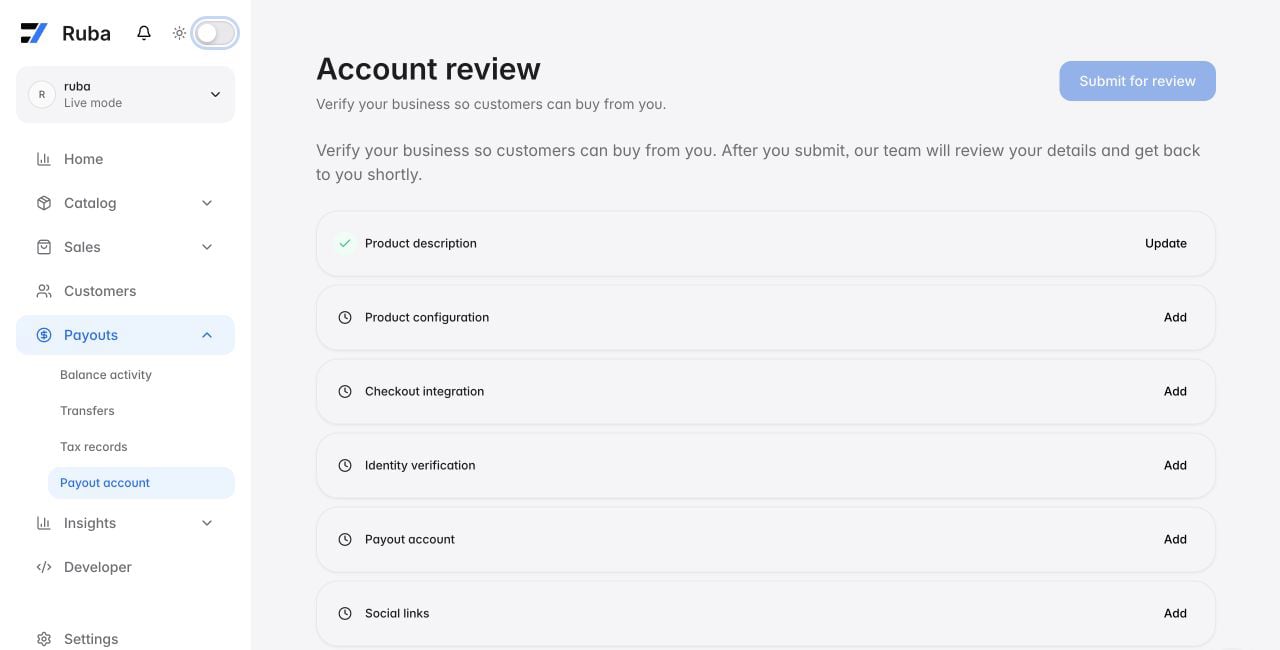
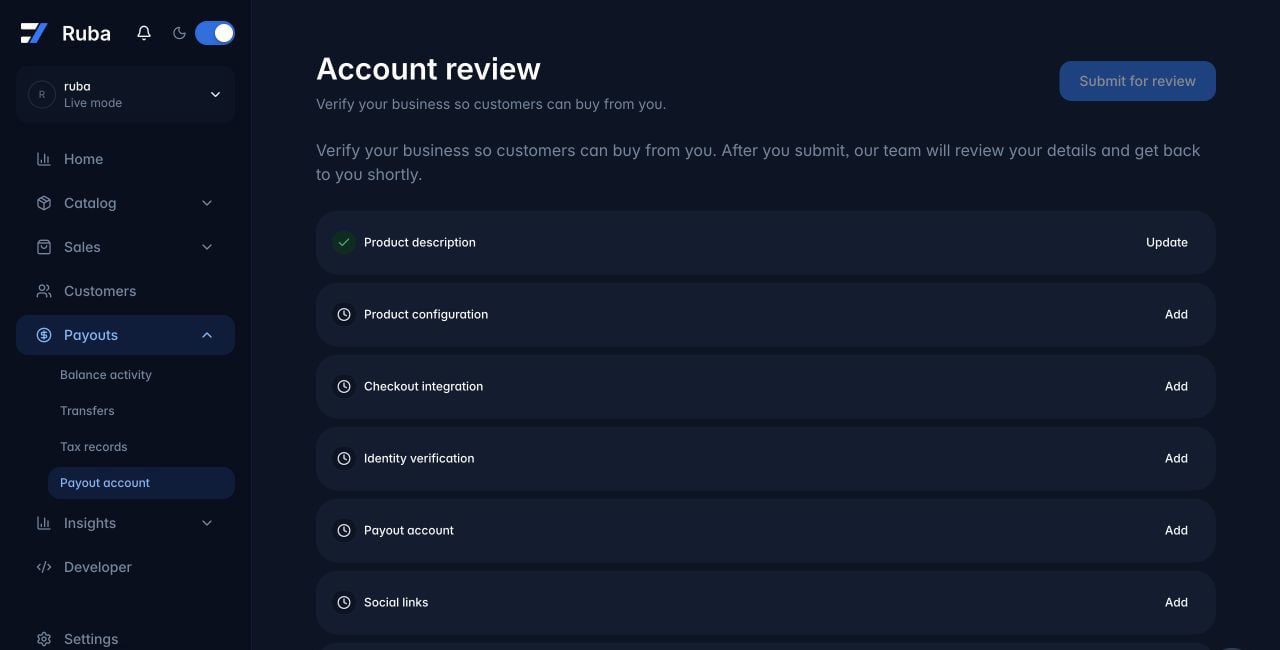
Complete the real sales path before submitting. Review is faster when Ruba can see configured products and deliverables, a working website, checkout, API credentials, webhooks, and automatic fulfillment. Then open Payouts → Payout account and complete the review steps shown there, which may include:- Describe the business, products, and intended Ruba use.
- Complete identity and business verification with the accepted documents requested in the hosted flow.
- Connect and obtain approval for a Payout Account.
What changes during a later review
Ruba may review an organization before or after Transactions begin and may conduct additional reviews when risk, volume, Products, ownership, payout information, or other circumstances change. During a review, Ruba may continue, restrict, or suspend checkout, renewals, account functionality, or payouts as the Seller Services Agreement permits. Reviewers compare the current business with the originally approved use case and examine recent refund, dispute, and risk signals.Operating standards
Answer customer issues
You remain responsible for product support. When Ruba includes you in a customer case, reply within 48 hours. Ruba may refund the affected customer and warn the organization after no response; repeated failures can lead to offboarding.Use sandbox for tests
Never test with real card details. Processors can classify repeated artificial purchases as card testing. Use sandbox, or use a free product or 100% discount when a production path must be checked without moving money.Control chargebacks
Ruba monitors Chargebacks and related risk against the requirements applicable to the account. Thresholds and dispute windows vary and may change. Ruba may request evidence, issue or require refunds, establish a Reserve, hold payouts, restrict Transactions, suspend or terminate the Seller Account, cancel subscriptions, or take another measure permitted by the Seller Services Agreement. Ruba may act immediately where fraud, law, Network Rules, Buyer protection, or financial risk requires it.Stay inside policy
An Acceptable Use Policy breach may result in payment restrictions, payout holds, refunds, cancellation, suspension, or termination. Unless a shorter legal, network, provider, or dispute deadline applies, a Seller must respond to Ruba’s request for information or assistance within 48 hours.Evidence and administration
Why is another review happening?
Why is another review happening?
Growth thresholds and changing risk signals can trigger more than one review. This is part of ongoing payment-platform risk management.
Why might Ruba request a product walkthrough?
Why might Ruba request a product walkthrough?
A 100% discount code lets the team verify the journey from unpaid user to automated fulfillment. If that is not practical, provide a recording that clearly shows the same complete transition.
How is organization ownership transferred?
How is organization ownership transferred?
Invite the new administrator under Settings → Members, have them complete identity verification under Payouts → Payout account, ensure no payout is pending, then email support from the current administrator address confirming the transfer.