

Pick a presentation rule
Location-based behavior is the default and generally matches how buyers in each region expect prices to be presented.
Compare the arithmetic
Assume the applicable tax rate is 20%:- With an inclusive price of 12.00. The total contains 2.00 tax.
- With an exclusive price of 2.00 tax and the buyer pays $12.00.
Set the organization default
Open the organization’s payment settings and select Location-based, Inclusive, or Exclusive under Default tax behavior. The choice applies to prices that do not define their own override and is saved automatically.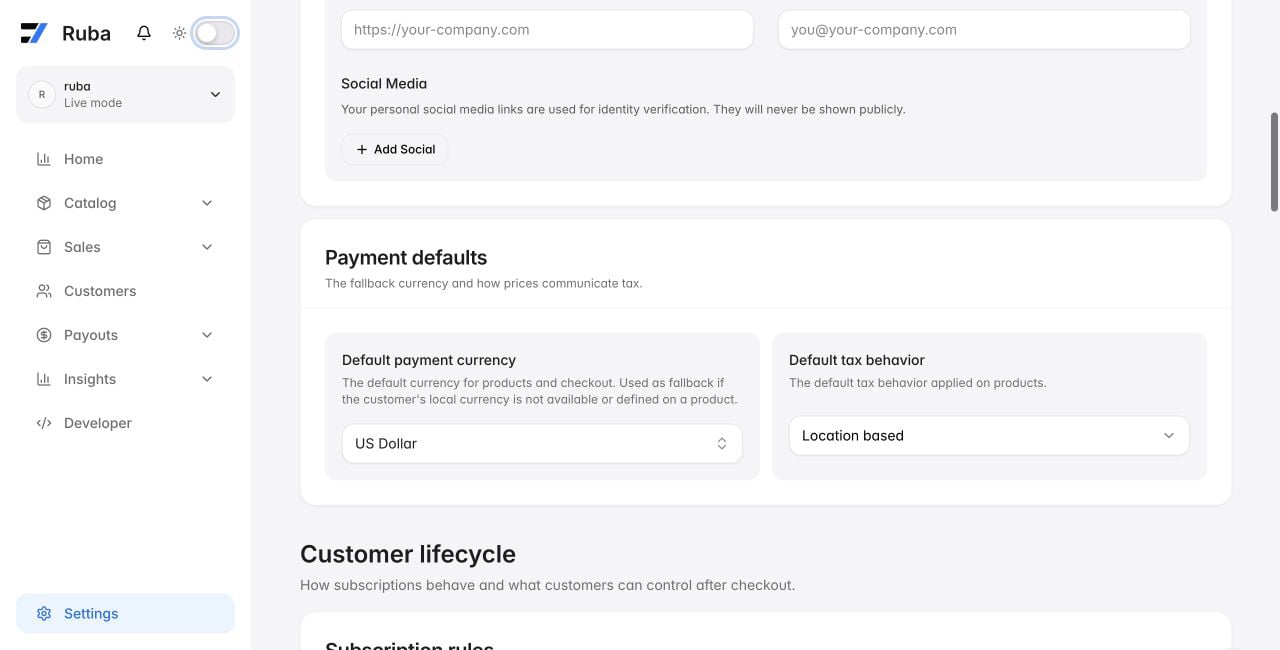
What location-based means
Ruba resolves this option when the buyer supplies a billing address:- United States, Canada, and India use tax-exclusive display.
- Every other supported country uses tax-inclusive display.
Changing tax behavior cannot reduce or increase the tax obligation. It only decides whether tax sits inside the advertised price or is added during checkout.