Every bearer token must stay private: never disclose it or reveal it inside client-side code.
1
Open the Organization Settings
Launch Settings for your organization inside the Ruba dashboard.
2
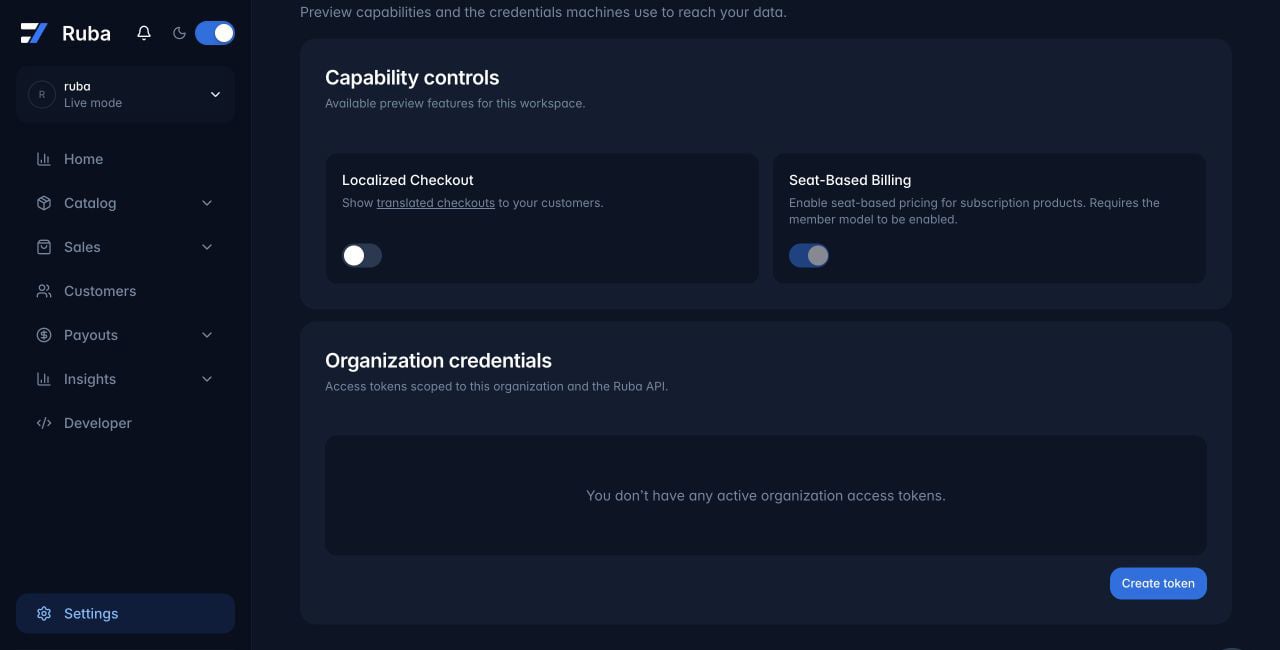
Generate an access token
Scroll to Organization credentials and click Create token.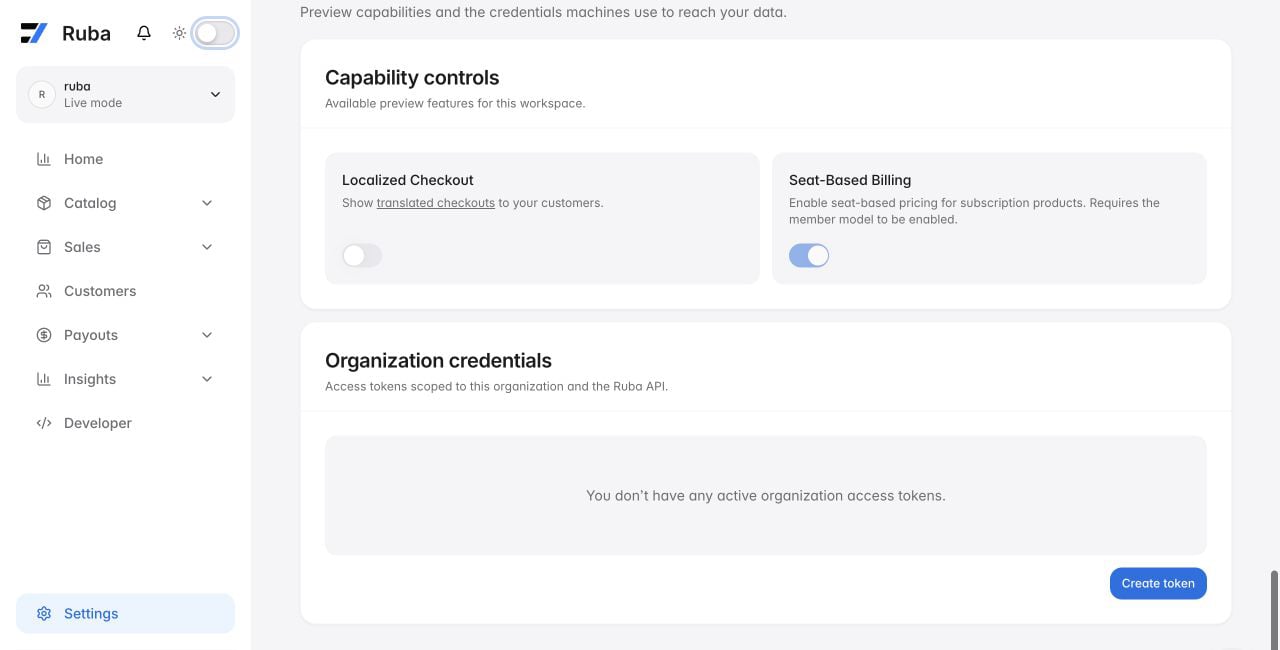
3
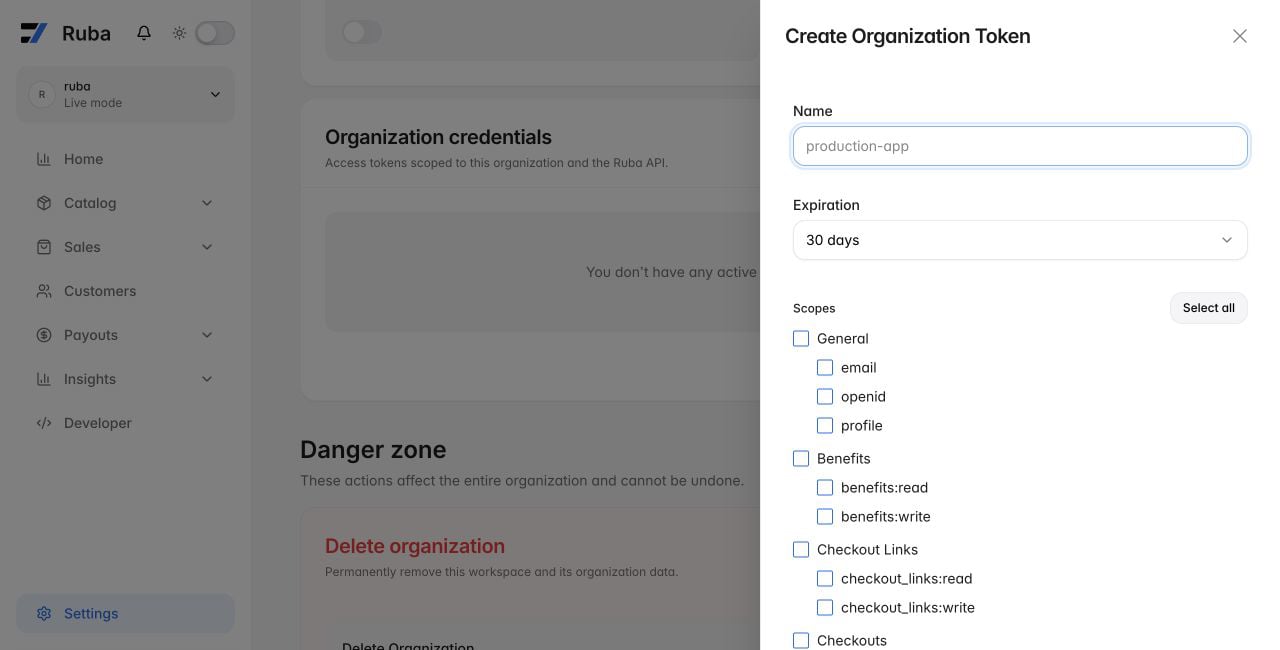
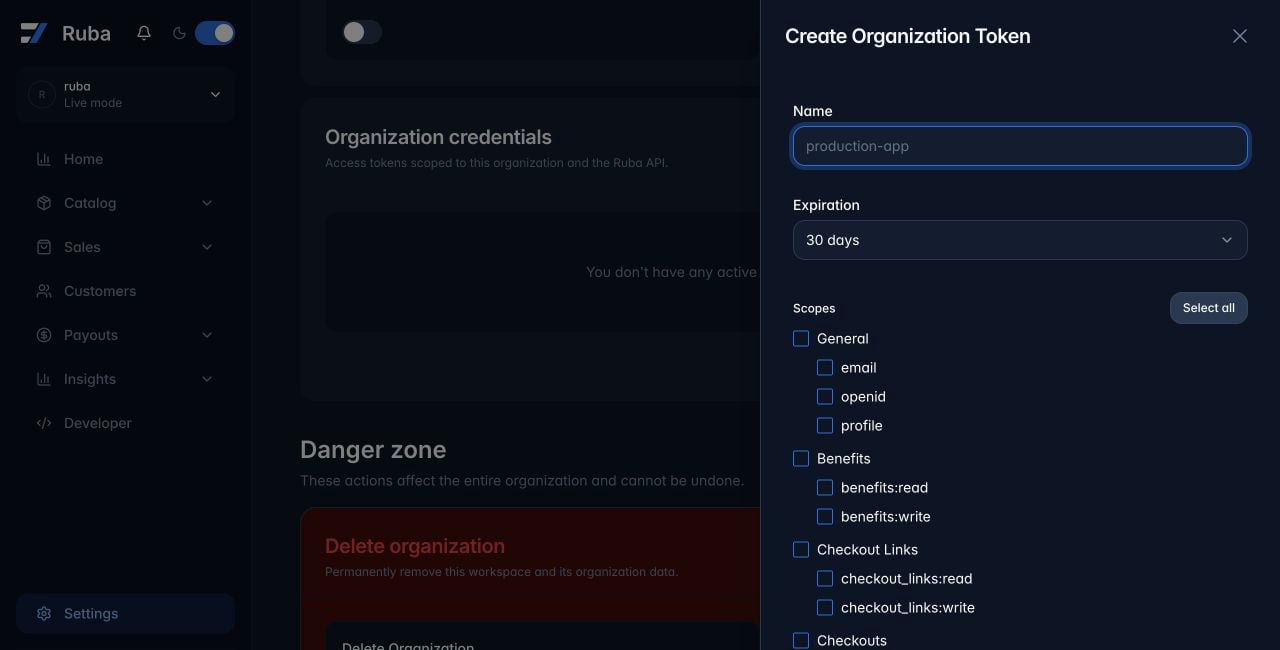
Fill in the token details
- Name your token: Pick a descriptive label so you recall what this token is for.
- Pick an expiry date: Choose how long the token should remain valid.
- Choose the necessary scopes: Select the permissions this token requires.