

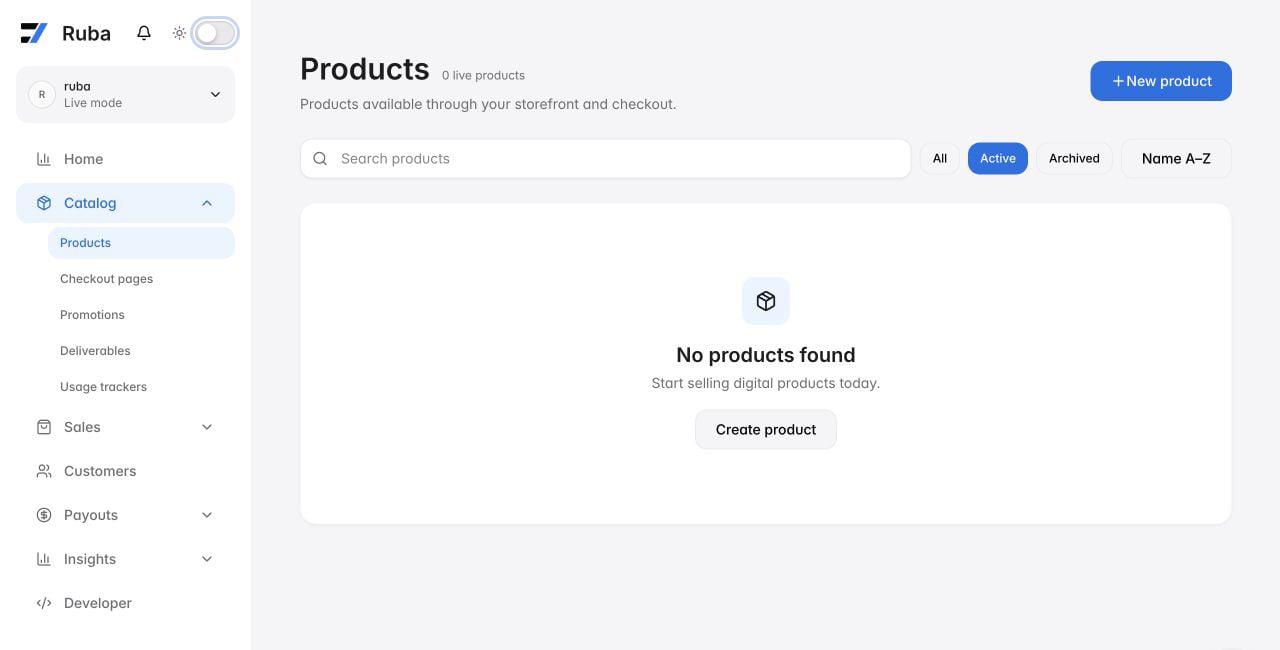
Every item is a productRecurring and one-off purchases both count as products inside Ruba: they share the same API and data model, differing only in their pricing and billing rules. You manage them side by side on the Products screen, where you can filter by the pricing model in use.
Payment frequency
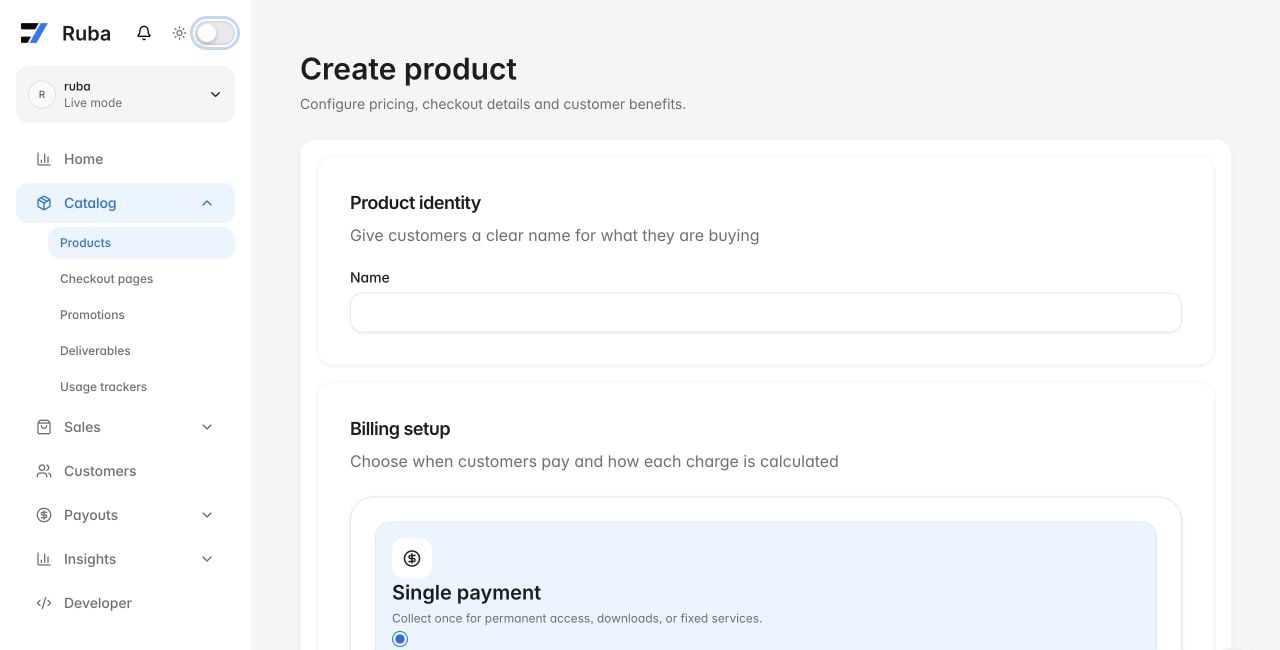
A product falls into one of two categories: a single charge or a recurring plan. Single-charge products bill the buyer once and grant access permanently. Recurring products invoice on a chosen cadence, daily, weekly, monthly, or yearly, and you can multiply any unit with an interval count to express schedules such as “every 2 weeks” or “every 3 months”. The billing cadence and recurring interval are fixed at the moment you create a product. Should you need different values later, spin up a new product instead.Setting your price
Ruba supports several pricing models, and you choose a single one per product:- Fixed price. Pick an amount and that is the amount buyers pay.
- Pay what you want. Buyers decide the amount. You may set both a floor and a pre-filled default shown at checkout.
- Free. No charge at all. Handy for lead magnets, free tiers, or gating perks behind a sign-up.
- Metered pricing. Invoice based on consumption: bill per API call, per token, per any unit you can count. Learn more about usage-based billing.
- Seat-based pricing. Sell a bundle of seats with optional volume tiers, then let the buyer hand them out to teammates. Learn more about seat-based billing.
Pricing across several currencies
Products can carry prices in multiple currencies at once so buyers pay in their local currency. Your organization holds a default payment currency that serves as the fallback, and you can layer additional ones on top. The price structure (price type, metered prices, and so on) must line up across every currency you enable. Ruba chooses the currency from the buyer’s geolocation at checkout. When that currency is not enabled on the product, it falls back to your organization’s default.Supported currencies
Supported currencies
Ruba supports 126 currencies for product pricing:
Free trial windows
For recurring products, flip on Enable trial period to give buyers a stretch where they are not billed. Choose a number and a unit (days, weeks, months, or years) and Ruba takes care of everything else. Learn more about trials.Checkout experience
How your product shows up during checkout.Checkout description
Optional copy that shows on the checkout page. Use it to pitch the offering, list what is included, or anything else that nudges the buyer to commit. Markdown is supported.Product imagery
Upload images to surface on the checkout page. Each image can be up to 10MB, and you can re-order or delete them whenever you like.Checkout form fields
Gather extra details from buyers at checkout: phone numbers, terms-of-service agreements, custom data you need for fulfillment, anything you want. Fields are defined once at the organization level and then switched on per product, where you also decide whether each one is mandatory. Supported field types: text, number, date, checkbox, and select.A required checkbox holds back confirmation until the buyer ticks it. Useful for legal terms.
Automatic fulfillment
Deliverables are the actual entitlements your buyers receive when they pay: license keys, Discord invites, GitHub repository access, file downloads, feature flags, or a Custom deliverable you wire up yourself. The dashboard manages them under Fulfillment; the API keeps thebenefit resource name.
Ruba grants and revokes deliverables on its own as buyers purchase, renew, or cancel. Learn more about Deliverables.
Custom metadata
You can attach arbitrary key-value metadata to a product. It stays hidden from buyers, but it rides along on every order, subscription, and webhook connected to the product, which makes it handy for tracking internal IDs or categories that live outside Ruba.Editing a product
Most things on a product can be edited afterward, save for the billing cadence and pricing model, which are fixed at creation. To change either, build a new product. A few things worth knowing:- Current subscribers keep their original amount. Adjusting a fixed price only impacts new purchases.
- Deliverable changes ripple through. Add a deliverable and existing buyers get it automatically. Remove one and they lose access.
- Need a similar product? Pick Duplicate Product from the product menu to clone an existing one as a starting point, handy for standing up a yearly variant of a monthly plan, or for A/B testing pricing.
Archiving a product
Products can be archived but not permanently deleted. Click Archive from the product menu and the product drops out of new checkouts. Existing buyers retain their access, and active subscriptions keep renewing. You can unarchive whenever you like from the same menu to make the product purchasable again.Decisions and edge cases
What about variants? Can I sell a monthly and a yearly version of the same product?
What about variants? Can I sell a monthly and a yearly version of the same product?
Ruba takes a different approach to what the industry typically calls variants. Each product carries a single pricing model, and rather than bolting variants onto one product, you build one product per pricing model and present them side by side at checkout.So a “monthly” and “yearly” plan are two products, each with its own pricing and deliverables, shown side by side via checkout pages or the Checkout Session API. It keeps the API and the data model clean, and gives you full freedom over what each option includes.
Can I change the price of a product after publishing it?
Can I change the price of a product after publishing it?
Yes, for fixed-price products. Current subscribers are grandfathered at their original amount and only new purchases see the updated figure, but you can shift individual subscribers onto the new amount per subscription if you wish. Billing cadence and pricing model can’t change.
Can I sell usage-based or metered products?
Can I sell usage-based or metered products?
Yes. Set the price type to Metered and link it to a meter that tracks the events you care about. Full walkthrough in the usage-based billing guide.
Can I sell team or per-seat plans?
Can I sell team or per-seat plans?
Yes, via seat-based pricing. The buyer pays for a number of seats and assigns them to teammates, who each receive the product’s deliverables.
Will buyers see prices in their local currency?
Will buyers see prices in their local currency?
If you have enabled extra payment currencies on the product, yes: Ruba matches the buyer’s geolocation to one of the enabled currencies. When there is no match, it falls back to your organization’s default. See Pricing across several currencies above.
Can I duplicate a product?
Can I duplicate a product?
Yes. From the product list or the product menu, pick Duplicate Product to clone all the settings into a new draft you can tweak before saving.