

Setting up a trial
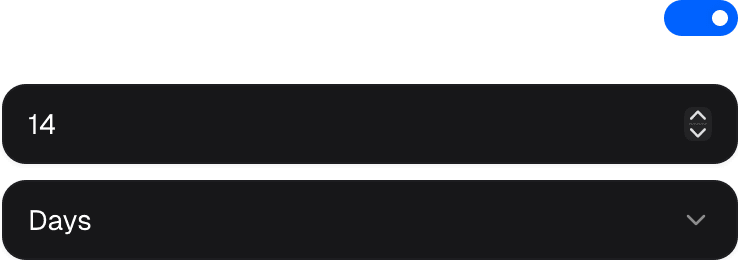
Define the period on the catalog item, a buy link, or an individual checkout session. A value supplied by the buy link or checkout session takes precedence over the catalog default. The period consists of a numeric duration plus one unit: day, week, month, or year.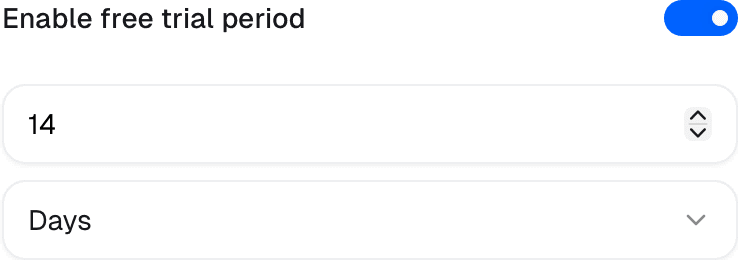
Starting a trial
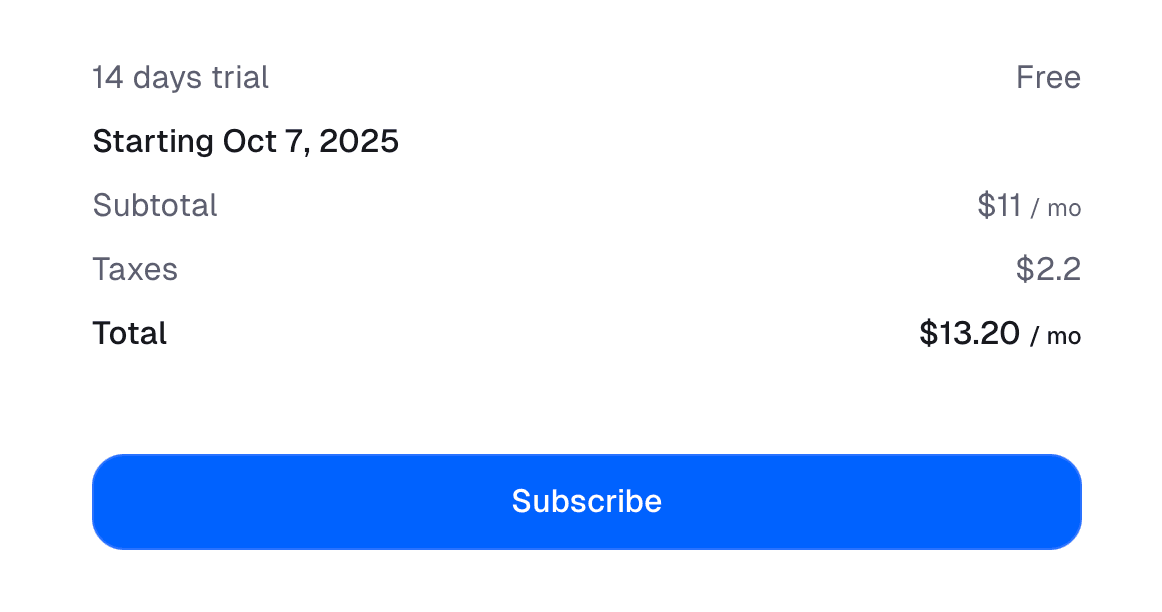
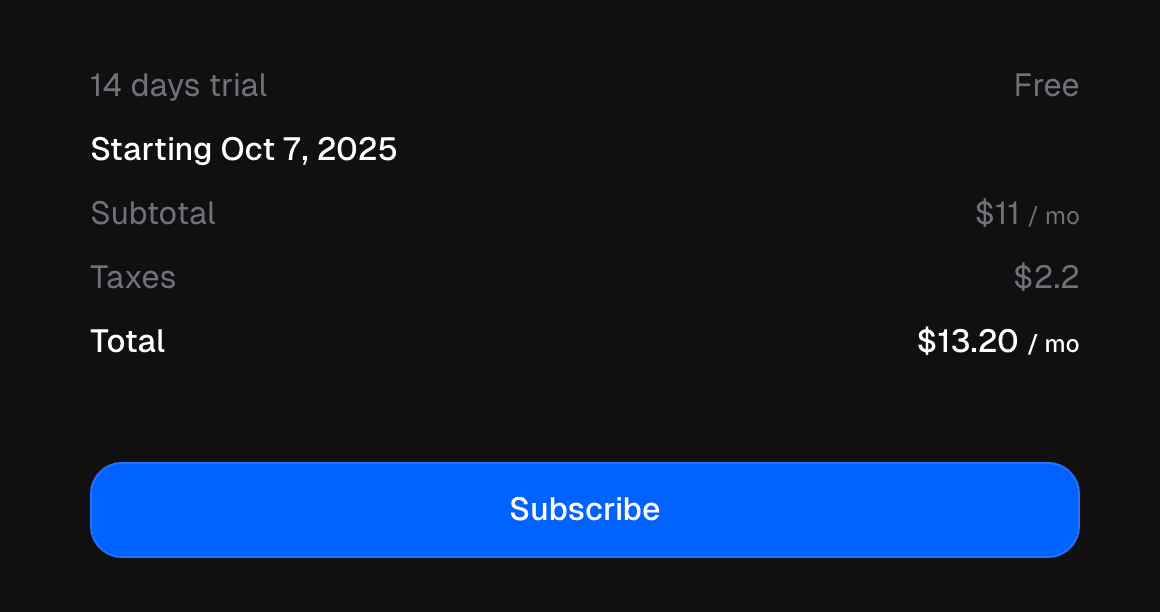
Checkout saves the customer’s payment details but does not charge them. Deliverables become available for the trial duration. Cancellation beforetrial_end prevents the first payment; otherwise Ruba charges the saved method when the trial expires and starts the paid billing cycle.
Adding, extending or canceling a trial
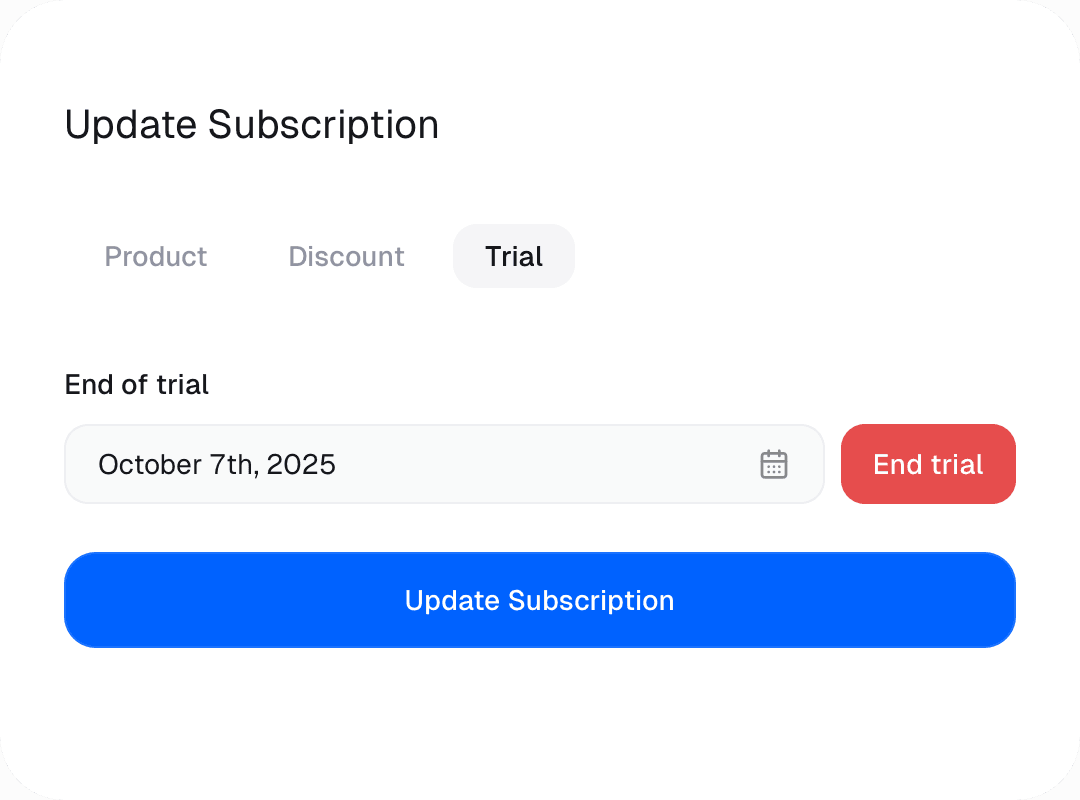
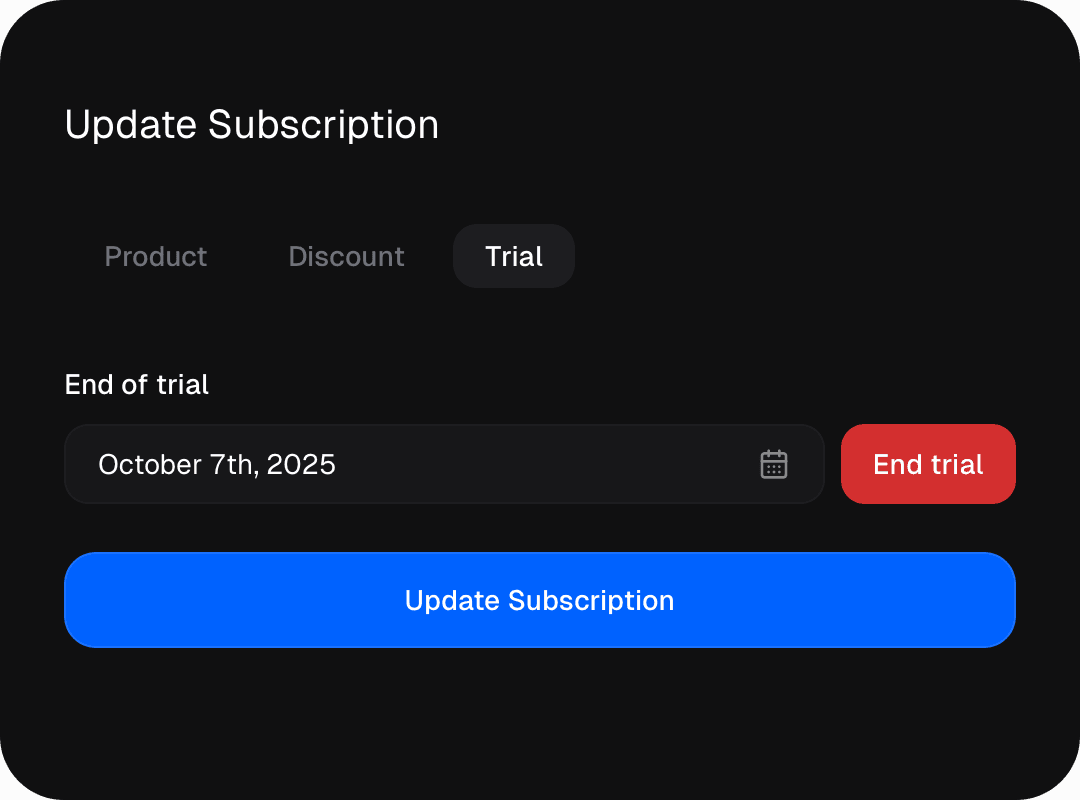
Open Update Subscription → Trial for an existing subscription.- A future end date adds or extends the trial. An active subscription returns to
trialing, and billing waits for the new date. - End trial converts immediately to
activeand opens a paid period with an immediate charge.
Trial conversion reminders
Reminder timing follows the trial’s total length:
Fully free subscriptions and subscriptions already scheduled to cancel are skipped. Disable these messages under Settings → General → Customer messages if your application sends its own.
Preventing trial abuse
Enable Prevent trial abuse under the organization’s subscription settings to compare new attempts against earlier trial redemptions across your products.System flow
Ruba checks both the normalized email and the payment-method fingerprint. Email aliases such asuser+alias@example.com are treated as the underlying address. Matching either signal to a previous redemption blocks another trial.