

Usage-based billing is new. Share implementation feedback with the Ruba team.
Follow one unit of usage
Records in the flow
What your application sends
An event is one timestamped record of something a buyer consumed inside your application. Your application sends these records to Ruba, and meters turn them into billable quantities. Common examples include tokens processed, video minutes streamed, or storage uploaded. Send events through the ingestion endpoint. Each record carries:name: the activity category, such asai_usageorfile_uploaded.customer_idorexternal_customer_id: the buyer responsible for the activity.metadata: numbers and labels that a meter can filter or aggregate.
How Ruba measures it
A meter is the rule that turns raw events into a usage total. It chooses which events count, optionally narrows them through metadata filters, and applies an aggregation such as count or sum. Examples:- Match
ai_usageand sumtotal_tokensto bill for model consumption. - Match
video_streamedand sumdurationto charge by viewing time. - Match
file_uploadedand sumsizeto price storage intake.
How measured units become money
A metered price converts recorded consumption into an amount due. Ruba first selects the events that match a meter, applies that meter’s aggregation rule, and then prices the resulting quantity. Use it whenever the buyer’s bill should follow what they actually consumed.How prepaid units enter the balance
Meter credits give a buyer a prepaid usage allowance for one meter. Add a Meter Credits deliverable to a product, choose the meter, and enter the number of units included. For recurring products, Ruba refreshes that allowance at the start of each billing period. A monthly subscription receives new credits monthly; an annual subscription receives them once per year.Build the first meter
1
Define measurement
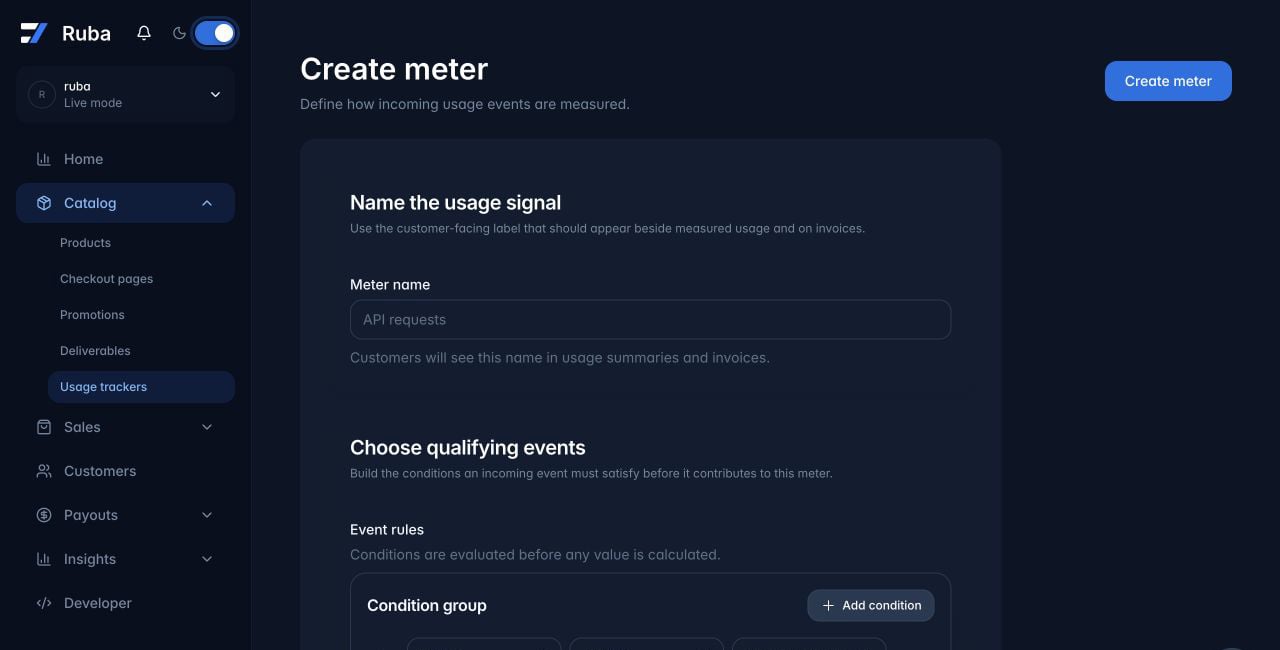
Create a meter with an event filter and an aggregation function. The filter selects qualifying events; the aggregation converts them into billable usage.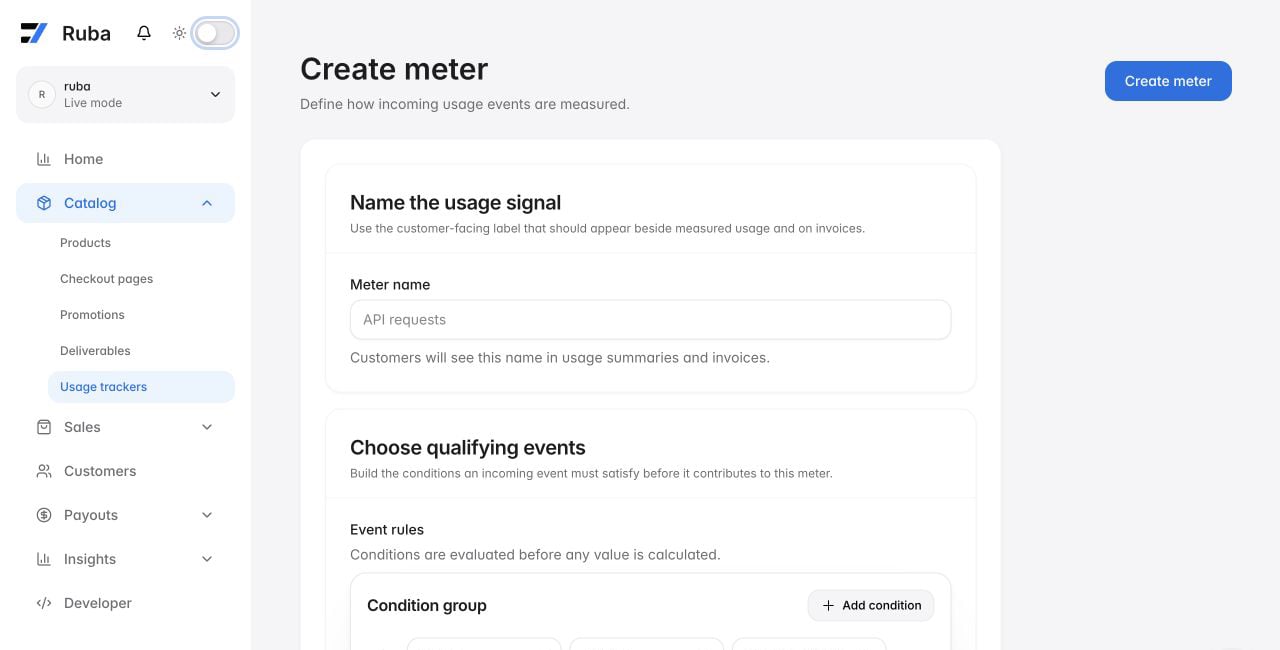
2
Price the result
Add a metered price that references the meter to a subscription product. Metered prices are not available for one-time products.
3
Send production events
Ingest application events. Events matching the filter increase that customer’s measured usage.
4
Expose the estimate
Customers can inspect estimated charges for each meter in the Customer Portal.