

- Match
ai_usageand sumtotal_tokensto bill for model consumption. - Match
video_streamedand sumdurationto charge by viewing time. - Match
file_uploadedand sumsizeto price storage intake.
Building a Meter
Open Catalog → Usage trackers and choose New tracker. A meter has two jobs: decide which events belong, then reduce them into one quantity.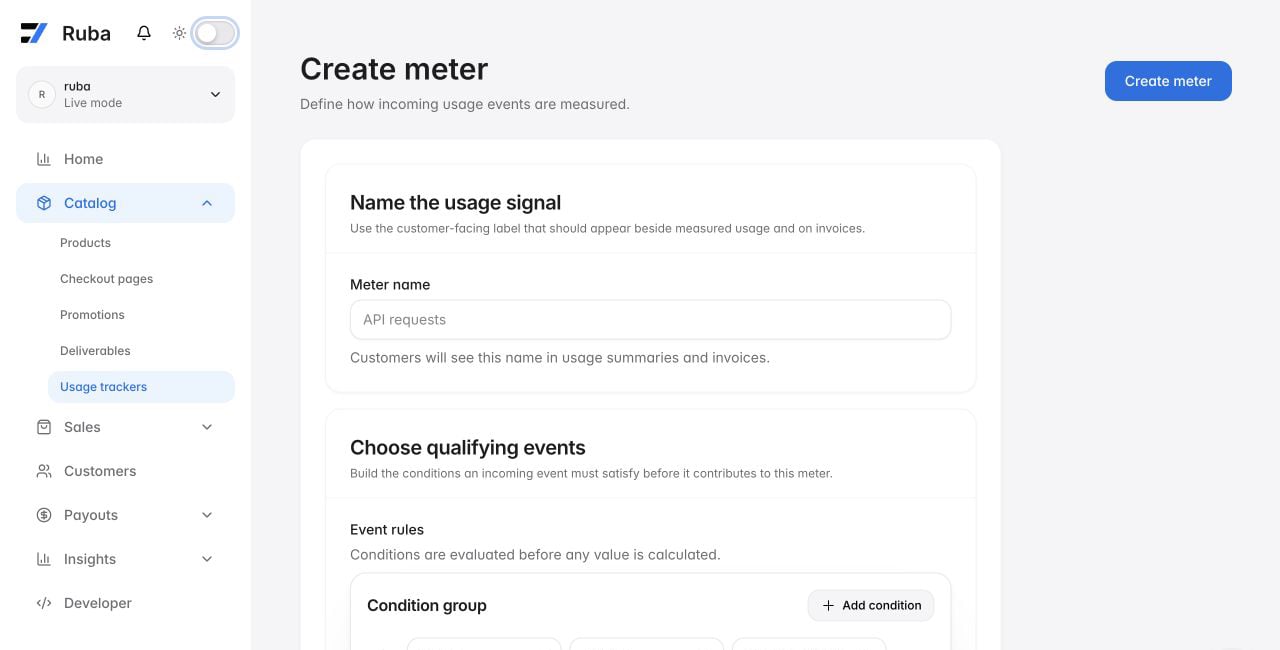
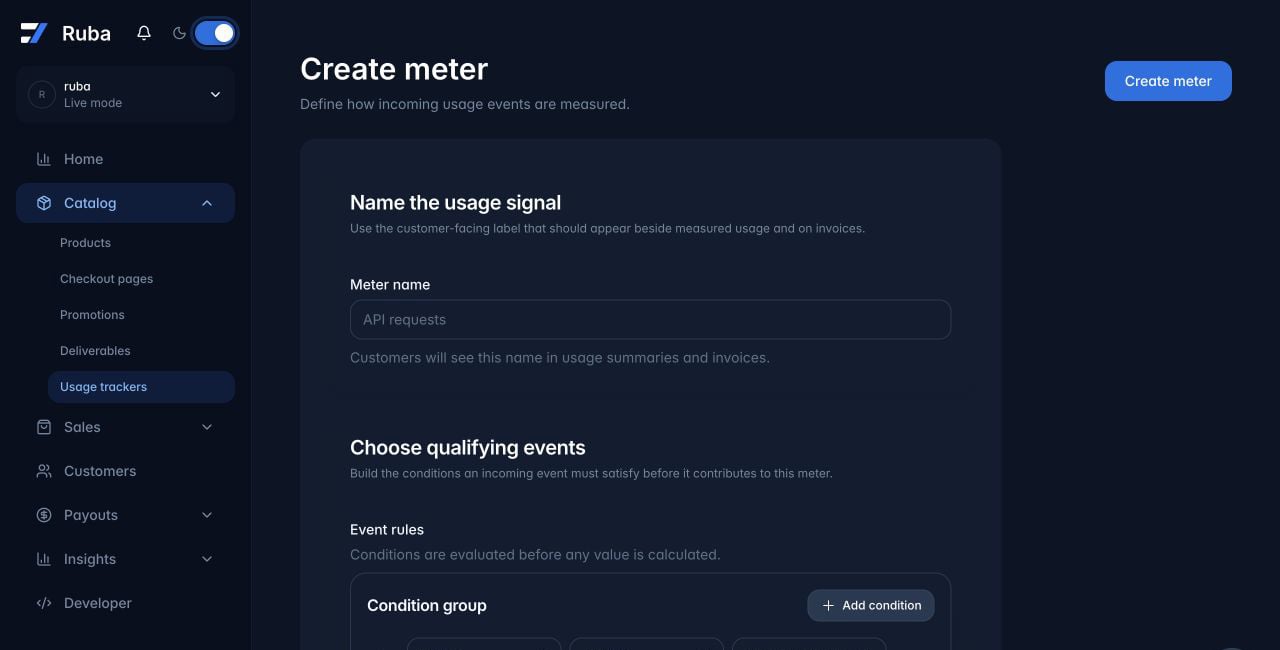
Filters
A filter combines one or more clauses. Only events satisfying the resulting expression reach aggregation.Build each clause
Choose an event property, an operator, and the comparison value. Metadata keys are referenced directly; do not prefix them withmetadata..
Operators are equals, not equals, greater than, greater than or equals, less than, less than or equals, contains, and does not contain.
The builder interprets values in this order: number, boolean (true or false), then string.
Join clauses
Useand when every clause must match. Use or when any one match is sufficient.
Aggregation
After filtering, choose the reduction:
For four events whose
total_tokens values are 10, 20, 30, and 30, the outputs are Count 4, Sum 90, Average 22.5, Minimum 10, Maximum 30, and Unique 3.
Unit
The unit changes display formatting on checkout, invoices, and the portal; it does not change calculation.
For a custom unit, the label supplies the singular name and the multiplier scales only the displayed denomination. A multiplier of 1,000 can show a price per thousand while
unit_amount remains the price of one raw unit.
Example
A meter may select events namedmodel-usage and sum their outputTokens metadata value.
Use Preview during creation to inspect the events the filter accepts.