

System flow
The reusable link and the checkout it creates are different records:- The link stores products, optional discount, trial, seats, redirect targets, and metadata.
- Each visit copies those settings into a new short-lived checkout session.
- The buyer completes that generated session.
Build a checkout page
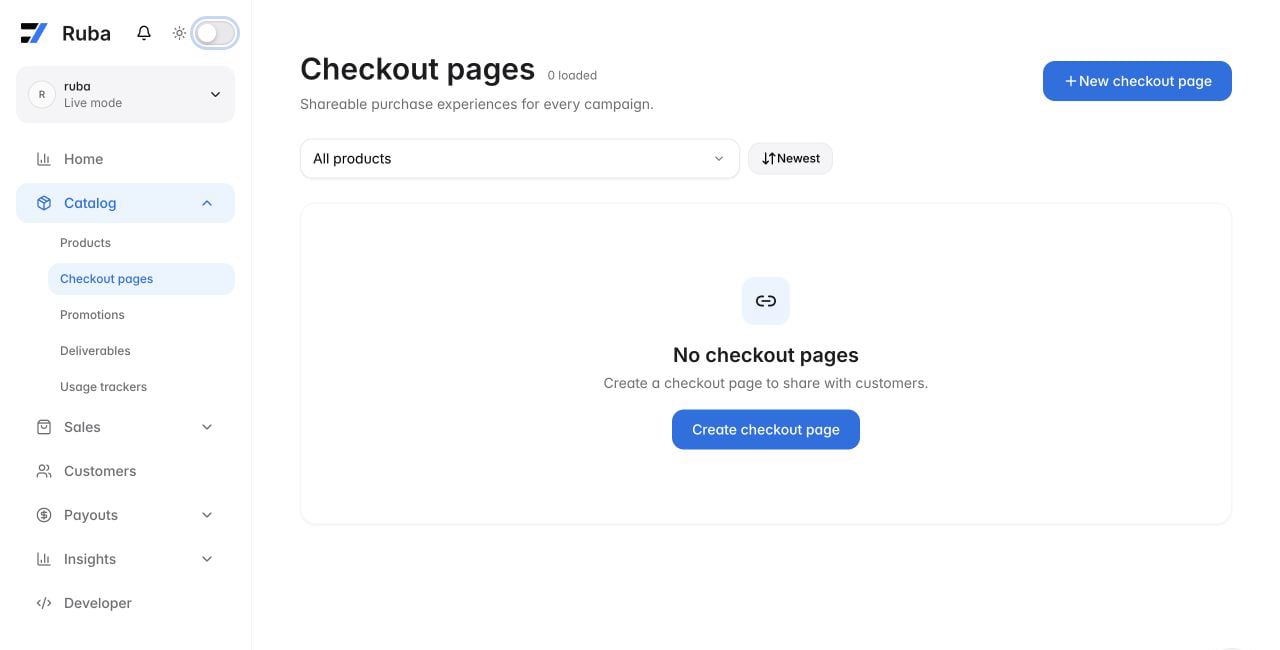
Open Catalog → Checkout pages and select New checkout page.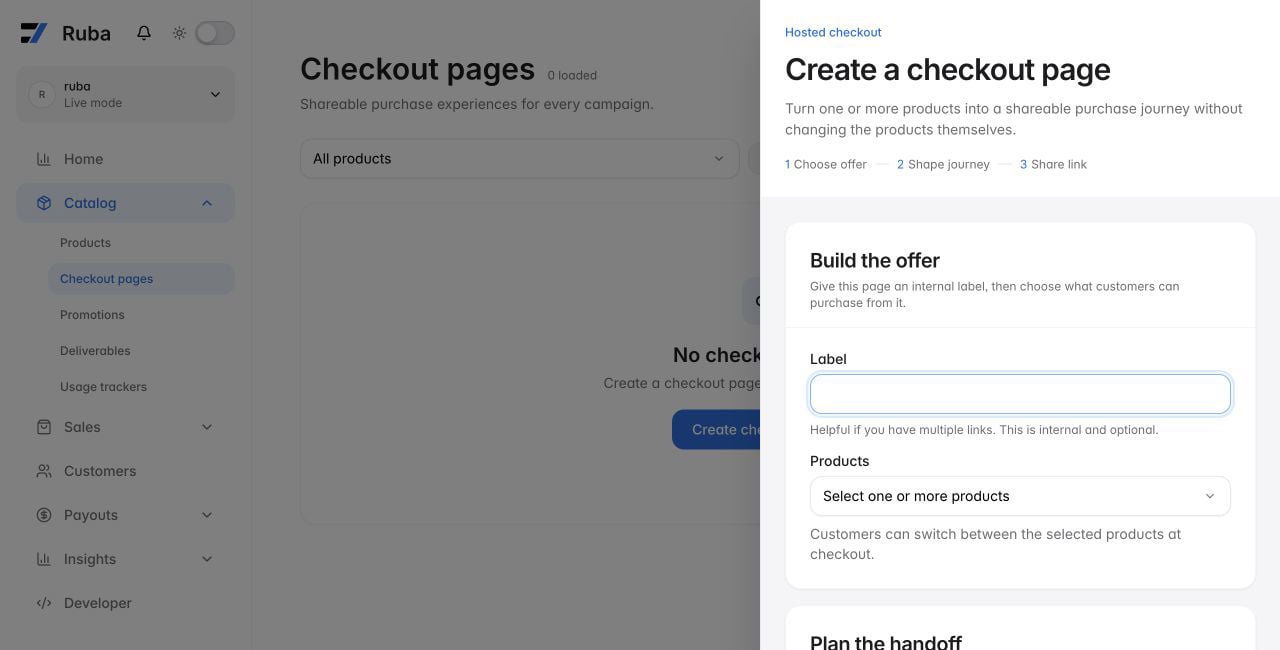
Decide what the buyer can choose
Add one product for a fixed route, or several products to display a selector in the order you provide. The buyer still purchases exactly one product; this is a choice interface, not a multi-item cart.Decide what Ruba applies automatically
- Discount: apply one discount without asking the buyer for a code. If discount-code entry is enabled, they may also enter a code manually.
- Trial: override the products’ normal trial only for sessions created by this link.
- Seats: lock a member-priced checkout to one quantity. If later product limits no longer accept it, Ruba ignores the preset and restores buyer selection.
- Metadata: copy internal key-value context into the session and then into the resulting order or subscription.
Decide where navigation goes
- Success URL: redirect after payment. Include
checkout_id={CHECKOUT_ID}when the destination needs the completed session identifier. - Return URL: show a back action that returns to your pricing or product surface. Without this value, checkout has no back button.
Query parameters
Query values modify one visit without editing the stored link.Product and form state
string
Select one of the products already attached to the link. The buyer may still switch before paying.
string
Place an email address into the checkout form.
string
Place a customer name into the checkout form.
string
Fill the visible code field with a coded discount. This differs from a link-level discount, which is applied silently.
string
Set the starting amount for a pay-what-you-want product.
string
Fill one custom field, replacing
{slug} with that field’s slug.Presentation
string
Choose an IETF BCP 47 locale such as
en, fr, or pt-BR. Browser language is used when omitted.string
Choose
light or dark. Without an override, checkout follows the buyer’s system preference.Attribution and reconciliation
Ruba copies these values into checkout metadata:string
Your application’s identifier for this checkout.
string
Campaign source.
string
Campaign medium.
string
Campaign name.
string
Campaign content variant.
string
Campaign search term.