

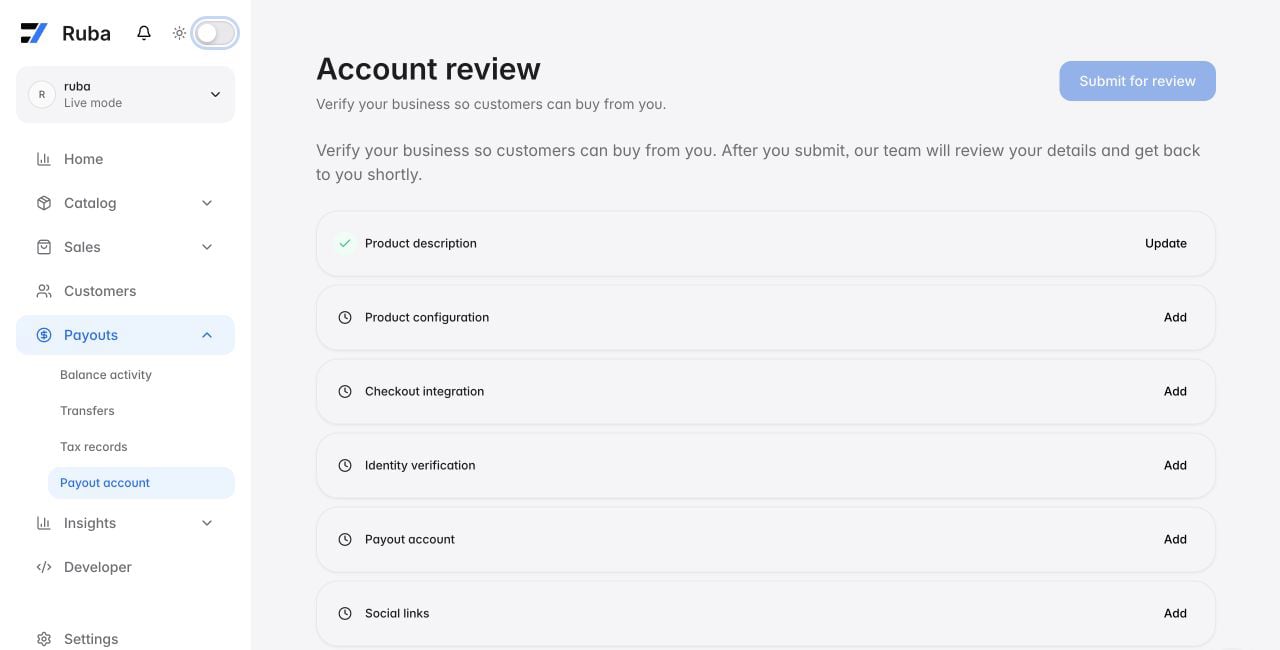
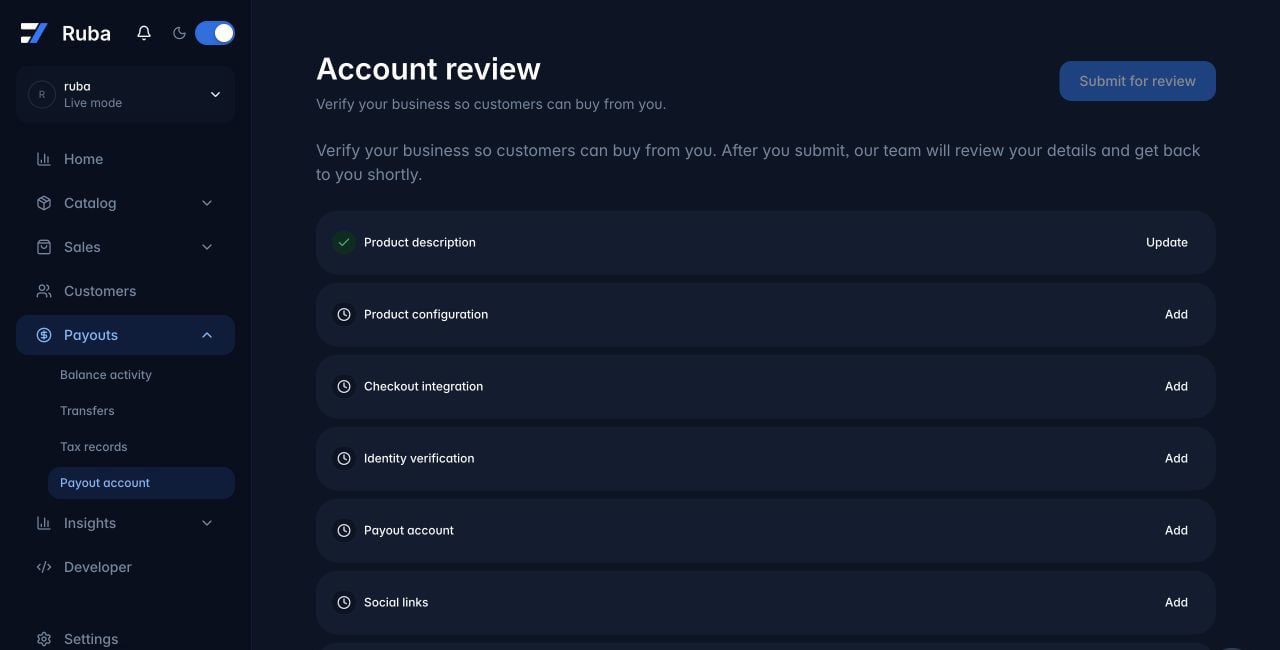
Connect a Payout Account
1
Open the payout-account surface
Go to Payouts → Payout account and choose Continue with account setup.
2
Choose the legal country
Individuals use their country of residence. Businesses use the country in which the entity is legally established and tax resident, as the onboarding flow requires.
3
Complete hosted verification
Provide the identity, entity, ownership, tax, and bank information requested in the hosted onboarding flow and accept the terms presented there.
4
Wait for approval
Passing one verification step does not guarantee approval. Ruba enables payouts only after the full configuration is approved.