

Permission chain
Ruba asks Discord for three permissions, each tied to an entitlement action:
All three must be approved for automated delivery and removal to work.
Build the deliverable
1
Create the Discord Invite deliverable
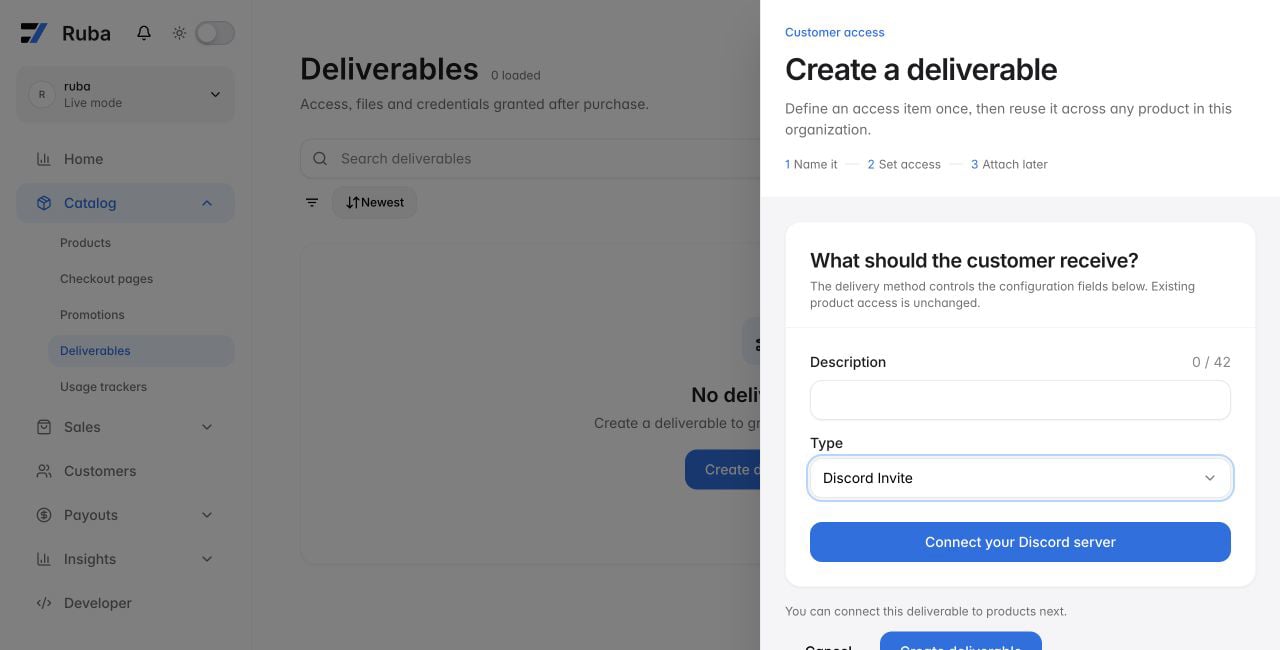
Add a new deliverable and choose Discord Invite. Then select Connect your Discord server.
2
Authorize Ruba in Discord
Select the intended server and approve the requested permissions. Discord then returns you to the deliverable form.
3
Select the delivered role
Choose the server role that qualifying customers should receive.
4
Connect it to a product
Edit the product and enable the new deliverable. Its purchase or subscription lifecycle now controls Discord access.
A saved deliverable cannot be moved to another Discord server. Create another deliverable when you need a different server connection.