

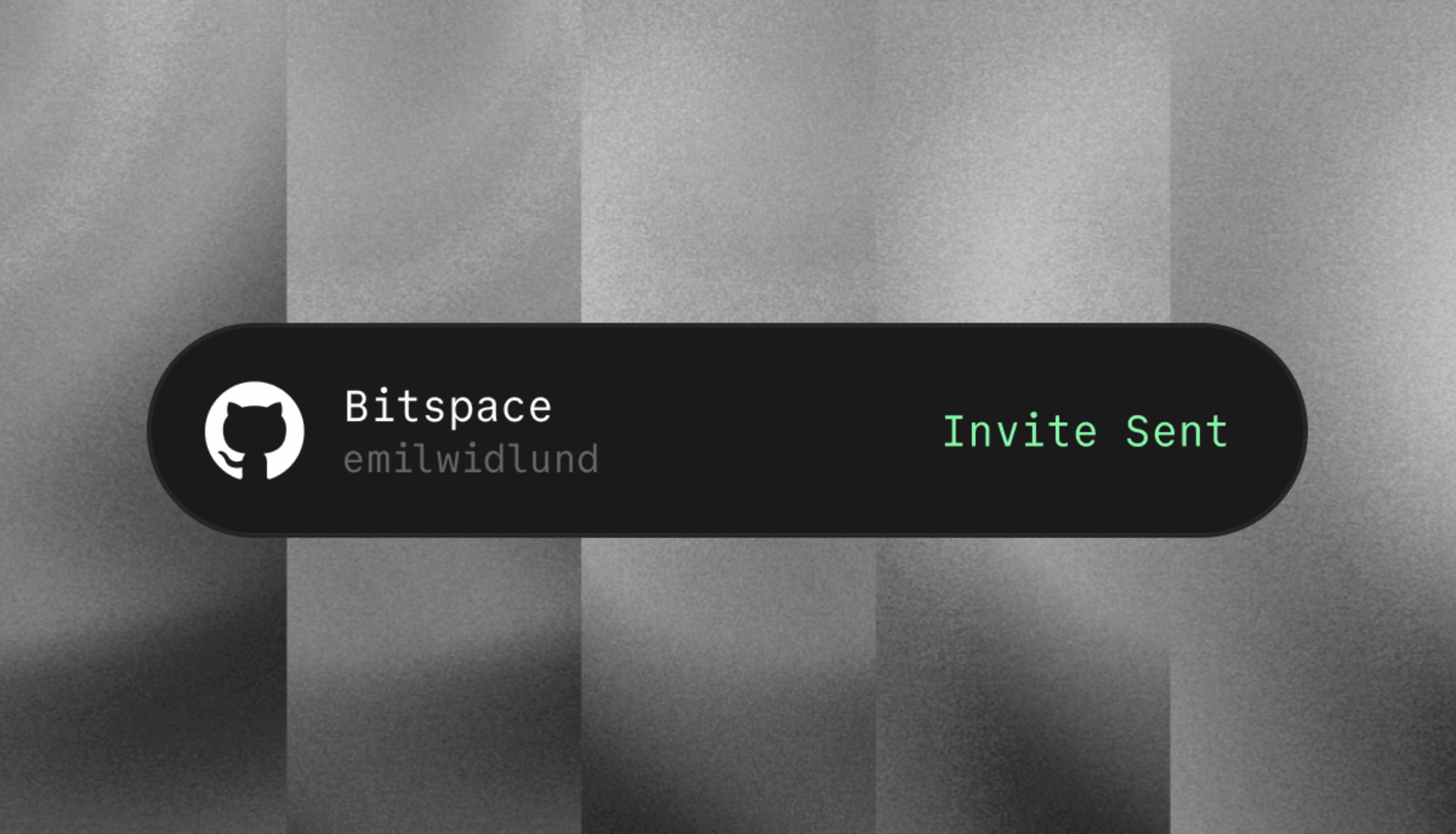
What you can deliver
- Sponsor-only source, discussions, or issue access
- Courses, starter kits, and educational repositories
- Self-hosted software and open-core extensions
- Early builds that are not yet available upstream
Connection model
This deliverable uses a dedicated GitHub App with collaborator-management permission. That connection is separate from GitHub sign-in because GitHub Apps cannot progressively request the additional permission only when a merchant needs it. Keeping the apps separate avoids asking every Ruba user for sensitive repository access.Configure the deliverable
1
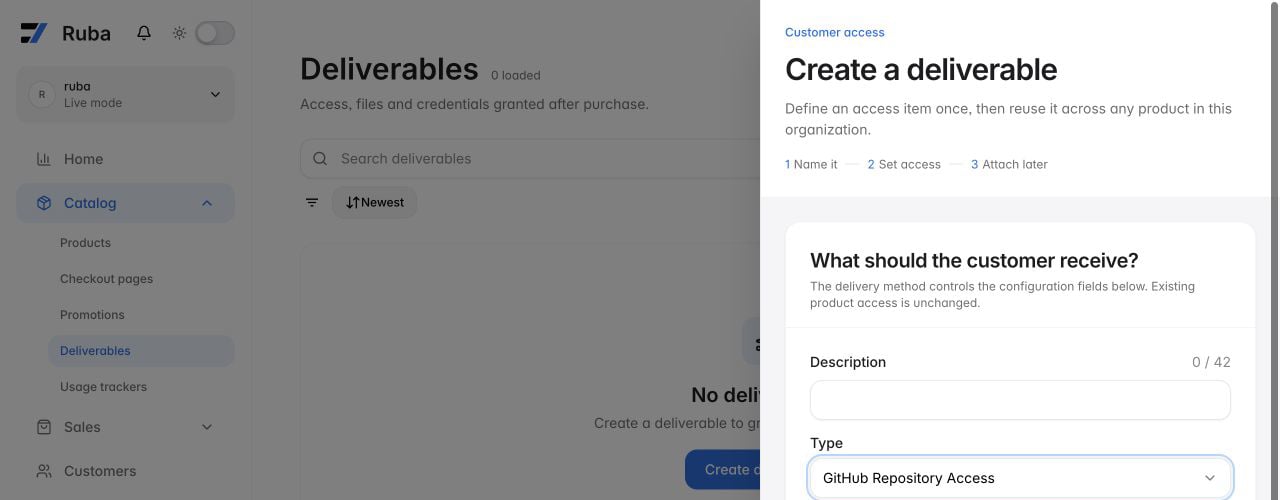
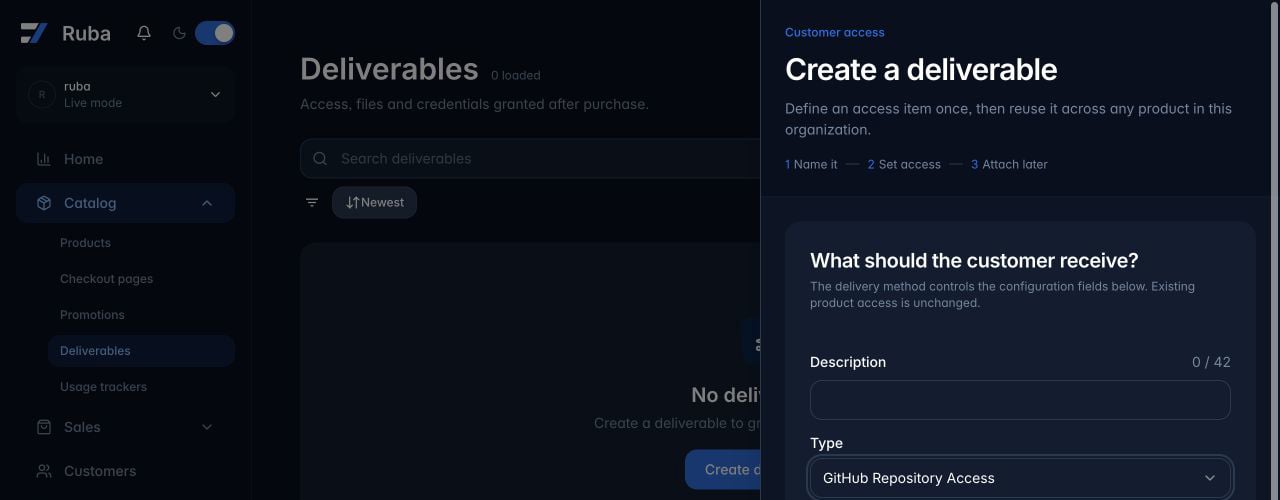
Start a GitHub Repository Access deliverable
2
Authorize the repository app
Select Connect your GitHub Account and install the dedicated app for the organization repositories that Ruba may manage. GitHub returns you to the unfinished deliverable afterward.
3
Choose one repository
Select the organization repository whose collaborator list should follow this entitlement.
4
Set the collaborator role
Choose the permission Ruba should grant. Read is the default and the appropriate choice for nearly every paid-access use case.
5
Attach it to a product
Add the saved deliverable to the relevant product. New qualifying purchases will then drive collaborator access automatically.