

Assemble the download set
1
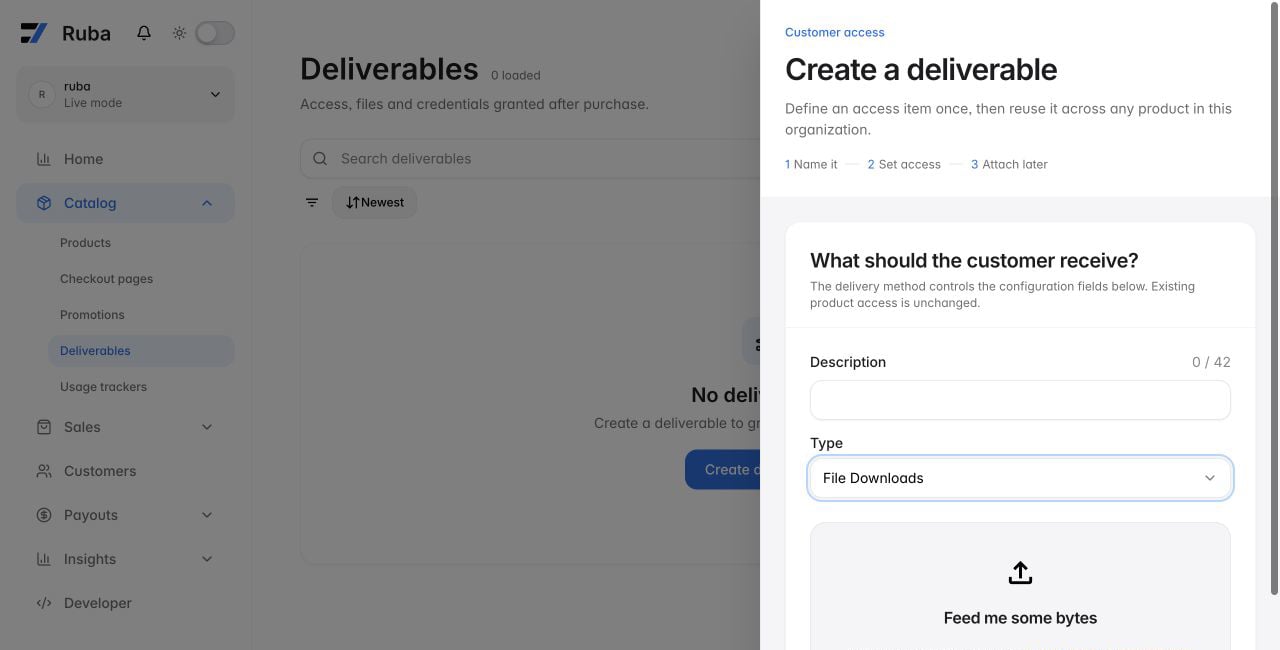
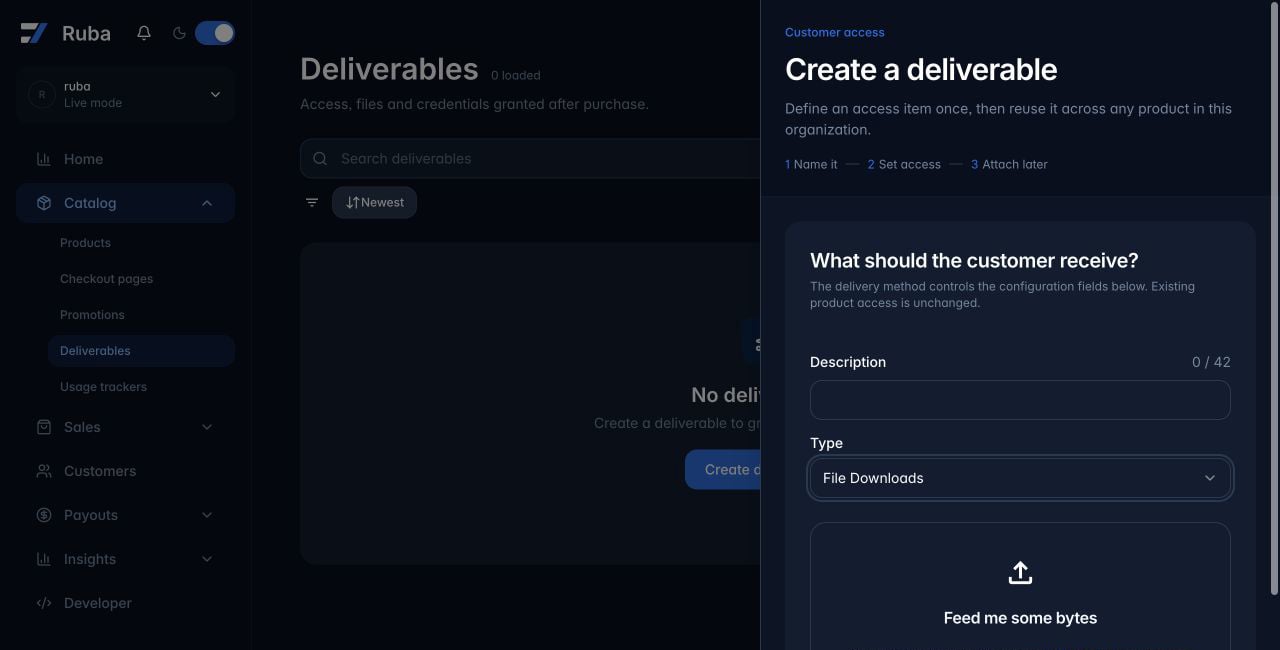
Create the File Downloads deliverable
2
Upload the files
Drop files into the upload area or select the area to open the system file picker.
3
Prepare the customer-facing list
Select a filename to rename it inline. Drag files to change their order. Use a file’s action menu to copy its SHA-256 checksum.
4
Attach it to a product
Connect the saved deliverable to each product whose buyers should receive the downloads.