
1. Publish the stable portal URL

Every organization has:
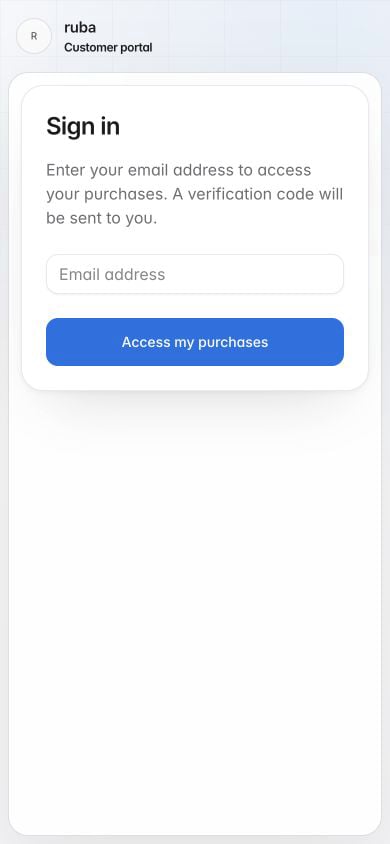
The customer enters the email used for purchase and completes the one-time code sent by Ruba. This permanent URL fits a help menu, support article, or marketing site.

2. Hand off an authenticated customer

When the customer is already signed into your product, create a short-lived customer session on your server and redirect to its customer_portal_url.
TypeScript
Generate this URL at click time. Do not store it as a permanent link because the session token expires. Ruba includes a portal route in order confirmations, renewal and subscription-update messages, and failed-payment notices. Those messages preserve a recovery path even when your product does not link to the portal directly.