

- Built-in webhook signature validation for security
- Fully typed webhook payloads
Make the first connection
Use our sandbox environment during developmentSo you can easily try purchases, subscriptions, cancellations, and refunds to
automatically fire webhook events without spending a dime.
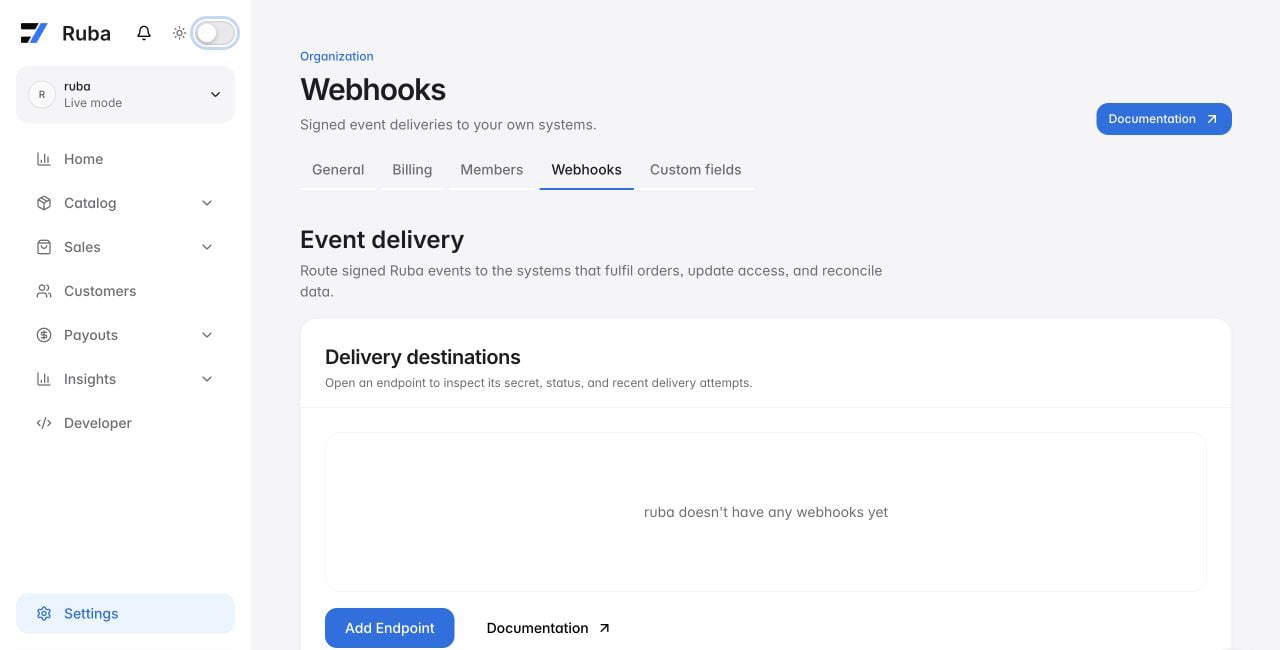
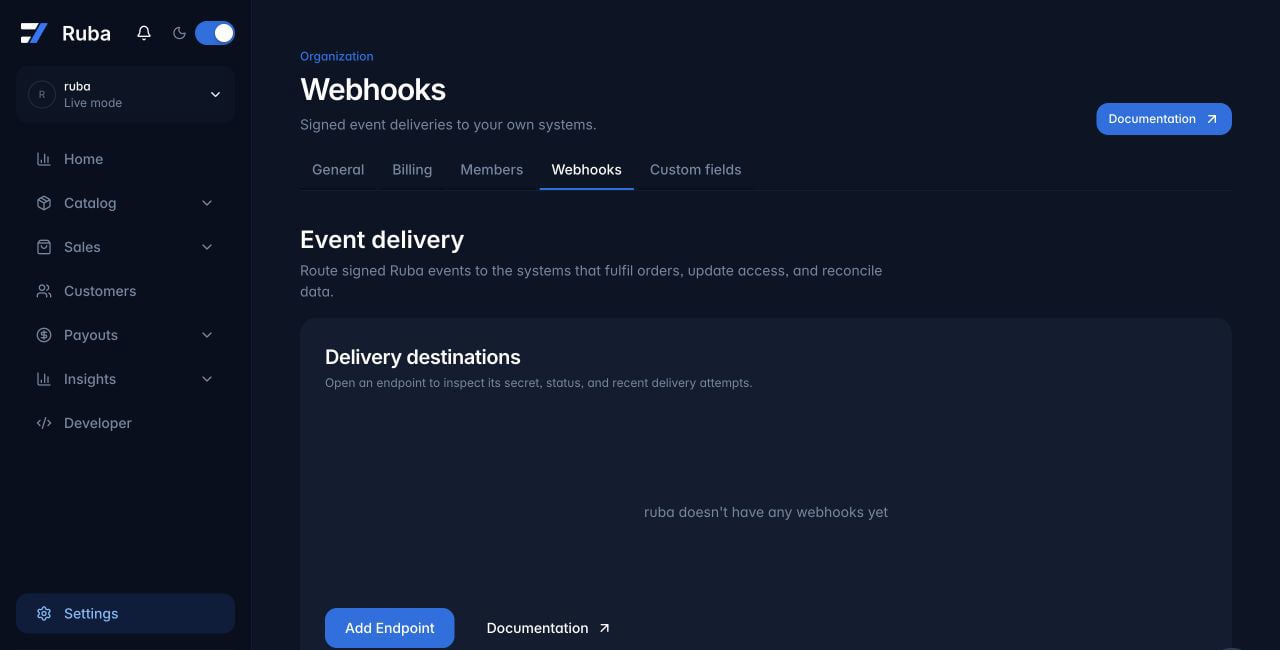
1
Add a new endpoint
Head to your organization settings and click the 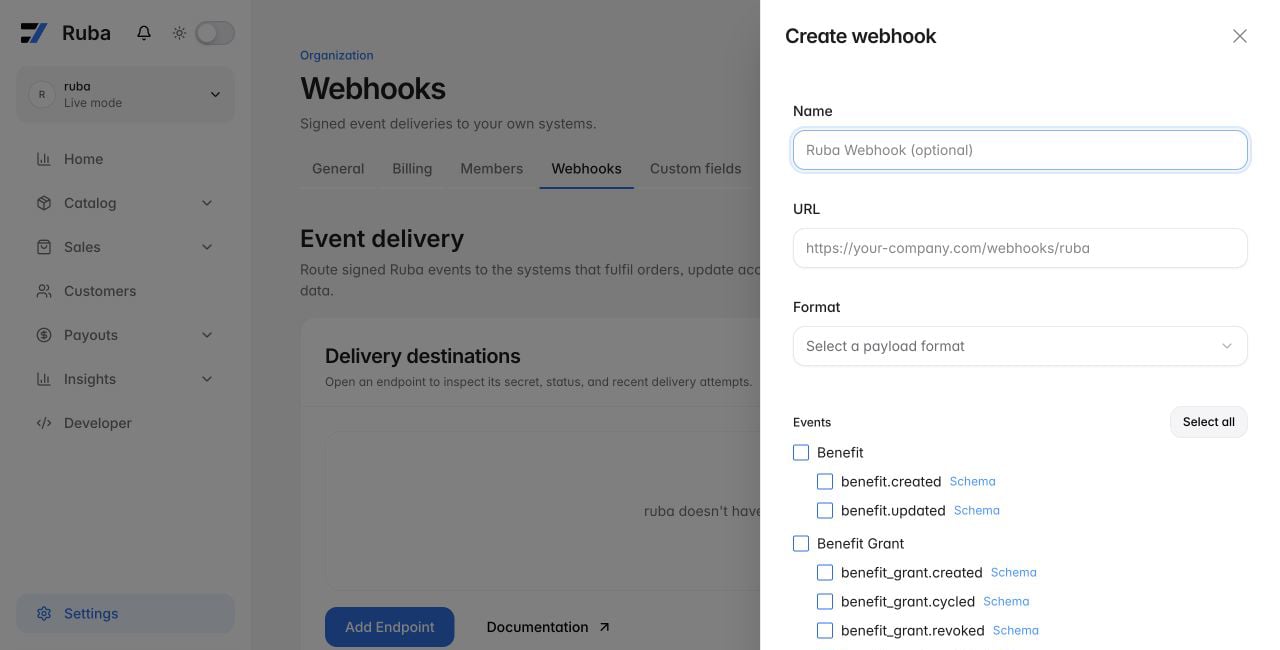
Add Endpoint button to create a new webhook.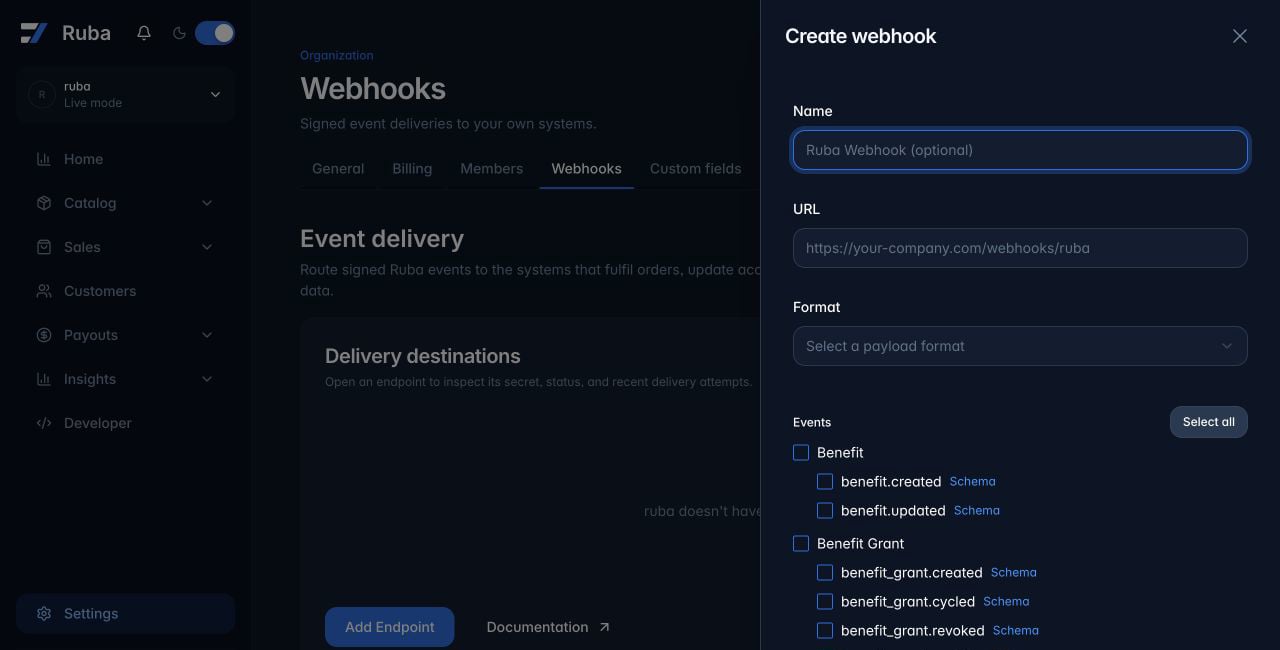
2
Enter your endpoint URL
Type the URL where the webhook events should be delivered.
3
Pick a delivery format
For standard, custom integrations, leave this parameter on Raw. This sends a payload in JSON format.If you want to send notifications to a Discord or Slack channel, pick the matching format here. Ruba then reshapes the payload so properly formatted messages land in your channel.If you paste a Discord or Slack Webhook URL, the format is picked automatically.
4
Save the signing secret
Ruba generates a signing secret when the endpoint is created. We
cryptographically sign requests using this secret, letting you easily
verify them with our SDKs to confirm they are genuine webhook payloads
from Ruba.Copy it from the endpoint details and store it securely. Never expose it in
client-side code.
5
Subscribe to events
Finally, tick all the events you want to be notified about and you’re done 🎉