> ## Documentation Index
> Fetch the complete documentation index at: https://docs.getruba.com/llms.txt
> Use this file to discover all available pages before exploring further.
# Put Prepaid Units Ahead of Metered Charges
> Fund a customer's meter balance before usage becomes an overage
export const RubaSocials = () => {
if (typeof document === "undefined") {
return null;
}
const inject = () => {
const footer = document.getElementById("footer");
if (!footer || document.getElementById("ruba-socials")) {
return false;
}
const isDark = document.querySelector("html.dark") || document.querySelector('html[class*="dark"]');
const lineColor = isDark ? "#383838" : "#e8e8ed";
const iconColor = isDark ? "#8e8e93" : "#86868b";
const markColor = isDark ? "#ffffff" : "#08080c";
const hoverColor = "#0071e3";
const div = document.createElement("div");
div.id = "ruba-socials";
div.style.cssText = `display:flex;align-items:center;gap:20px;padding-top:20px;margin-top:20px;border-top:1px solid ${lineColor};width:100%`;
const logo = `Ruba`;
const spacer = ``;
const ig = ``;
const li = ``;
const x = ``;
const github = ``;
div.innerHTML = logo + spacer + ig + li + x + github;
footer.appendChild(div);
return true;
};
if (!document.documentElement.dataset.rubaSocialsObserver) {
document.documentElement.dataset.rubaSocialsObserver = "true";
const observer = new MutationObserver(() => {
if (!document.getElementById("ruba-socials")) {
inject();
}
});
observer.observe(document.body, {
childList: true,
subtree: true
});
}
setTimeout(() => {
if (!inject()) {
const interval = setInterval(() => {
if (inject()) {
clearInterval(interval);
}
}, 500);
setTimeout(() => clearInterval(interval), 10000);
}
}, 300);
return null;
};
Credits are prepaid units attached to a Usage Meter. When an event reaches that meter, Ruba consumes the customer's available units before applying the product's metered price to any remaining usage.
## Balance sequence
1. Your application sends an event to a Usage Meter.
2. Ruba evaluates the usage against the customer's meter balance.
3. Available credits are consumed first.
4. After the balance reaches zero, further usage becomes billable overage when the product has a metered price.
If you want a strict credits-only product with no Ruba overage charge, leave the product without a metered price for that meter.
## Add credits through a benefit
Create a Credits benefit, choose its meter, and define the number of units. Delivery timing follows the product type:
| Product | When units arrive |
| ------------------------------ | --------------------------------------- |
| Monthly or yearly subscription | At the beginning of every billing cycle |
| One-time product | Once, when the purchase is completed |
## Read and enforce the balance
[Customer State](/integrate/customer-state) returns the customer's active meter balances with the rest of their access state. Use the [Customer Meters API](/api-reference/customer-meters/list) when you only need meter balances.
A zero balance does not make Ruba block your application's feature. Your application must reject or limit usage when that is the intended product rule.
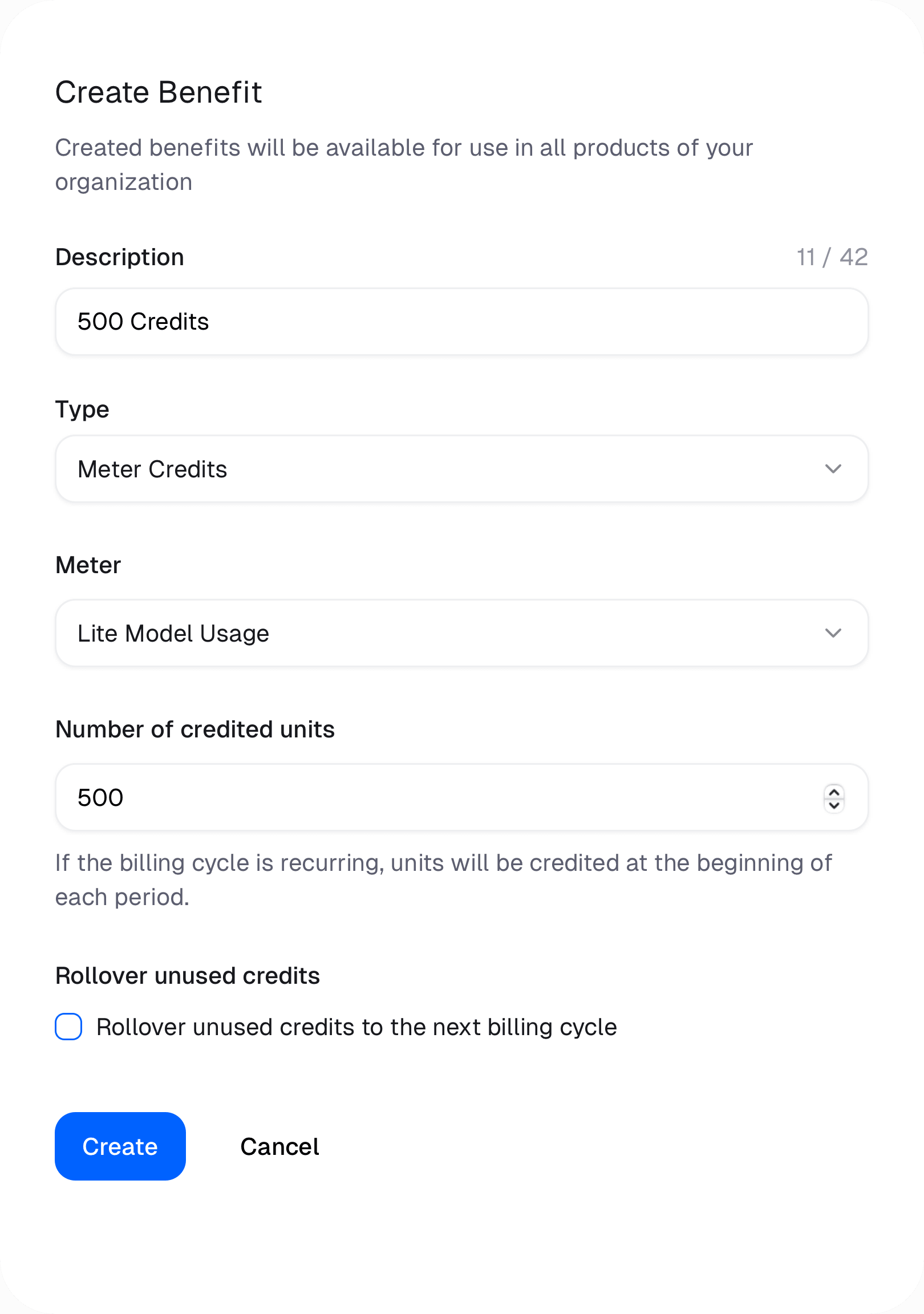
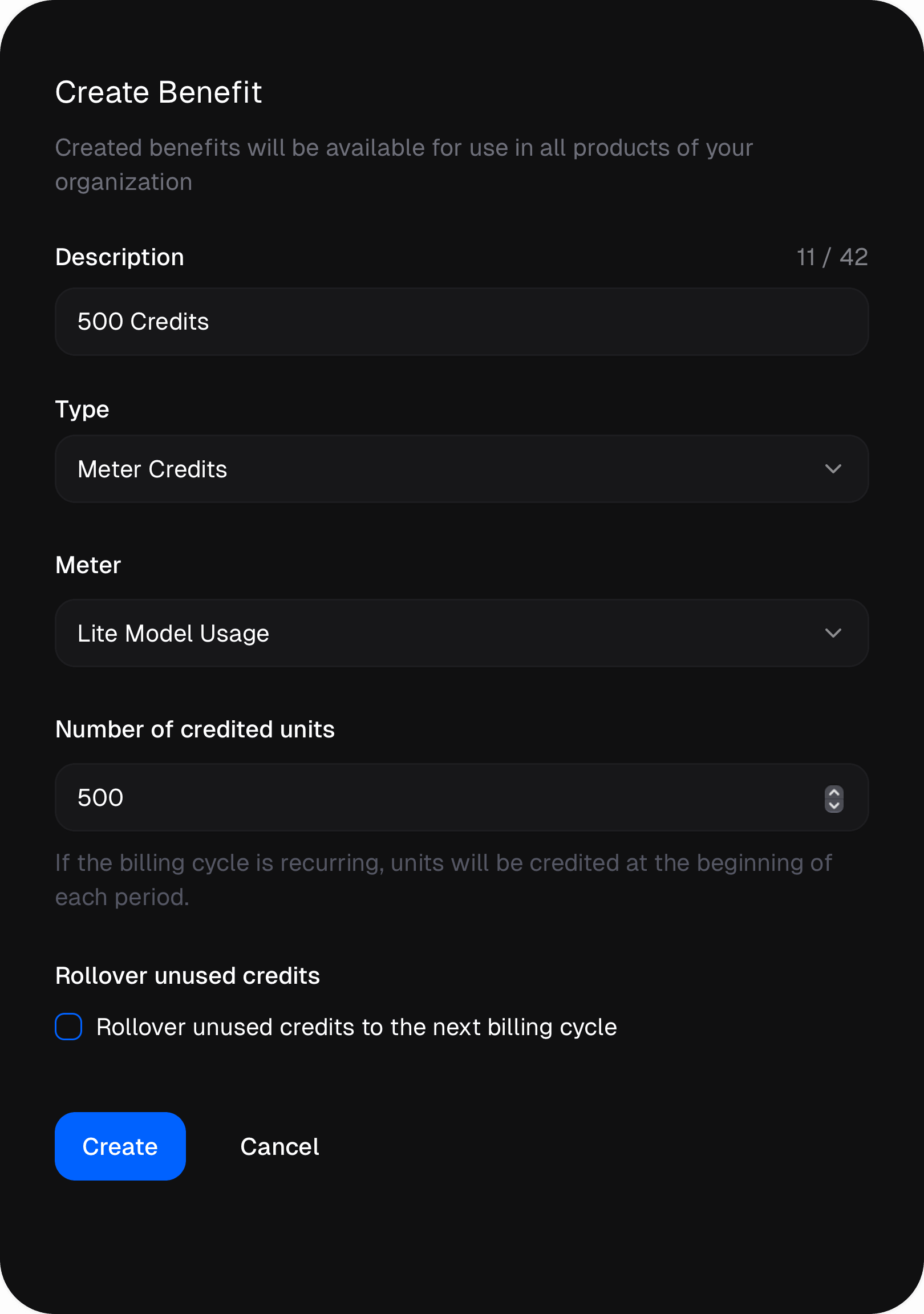 Create a Credits benefit, choose its meter, and define the number of units. Delivery timing follows the product type:
| Product | When units arrive |
| ------------------------------ | --------------------------------------- |
| Monthly or yearly subscription | At the beginning of every billing cycle |
| One-time product | Once, when the purchase is completed |
## Read and enforce the balance
[Customer State](/integrate/customer-state) returns the customer's active meter balances with the rest of their access state. Use the [Customer Meters API](/api-reference/customer-meters/list) when you only need meter balances.
Create a Credits benefit, choose its meter, and define the number of units. Delivery timing follows the product type:
| Product | When units arrive |
| ------------------------------ | --------------------------------------- |
| Monthly or yearly subscription | At the beginning of every billing cycle |
| One-time product | Once, when the purchase is completed |
## Read and enforce the balance
[Customer State](/integrate/customer-state) returns the customer's active meter balances with the rest of their access state. Use the [Customer Meters API](/api-reference/customer-meters/list) when you only need meter balances.