> ## Documentation Index
> Fetch the complete documentation index at: https://docs.getruba.com/llms.txt
> Use this file to discover all available pages before exploring further.
# Give Customers a Self-Service Surface
> Understand the hosted billing actions customers can reach without contacting support.
export const RubaSocials = () => {
if (typeof document === "undefined") {
return null;
}
const inject = () => {
const footer = document.getElementById("footer");
if (!footer || document.getElementById("ruba-socials")) {
return false;
}
const isDark = document.querySelector("html.dark") || document.querySelector('html[class*="dark"]');
const lineColor = isDark ? "#383838" : "#e8e8ed";
const iconColor = isDark ? "#8e8e93" : "#86868b";
const markColor = isDark ? "#ffffff" : "#08080c";
const hoverColor = "#0071e3";
const div = document.createElement("div");
div.id = "ruba-socials";
div.style.cssText = `display:flex;align-items:center;gap:20px;padding-top:20px;margin-top:20px;border-top:1px solid ${lineColor};width:100%`;
const logo = `Ruba`;
const spacer = ``;
const ig = ``;
const li = ``;
const x = ``;
const github = ``;
div.innerHTML = logo + spacer + ig + li + x + github;
footer.appendChild(div);
return true;
};
if (!document.documentElement.dataset.rubaSocialsObserver) {
document.documentElement.dataset.rubaSocialsObserver = "true";
const observer = new MutationObserver(() => {
if (!document.getElementById("ruba-socials")) {
inject();
}
});
observer.observe(document.body, {
childList: true,
subtree: true
});
}
setTimeout(() => {
if (!inject()) {
const interval = setInterval(() => {
if (inject()) {
clearInterval(interval);
}
}, 500);
setTimeout(() => clearInterval(interval), 10000);
}
}, 300);
return null;
};
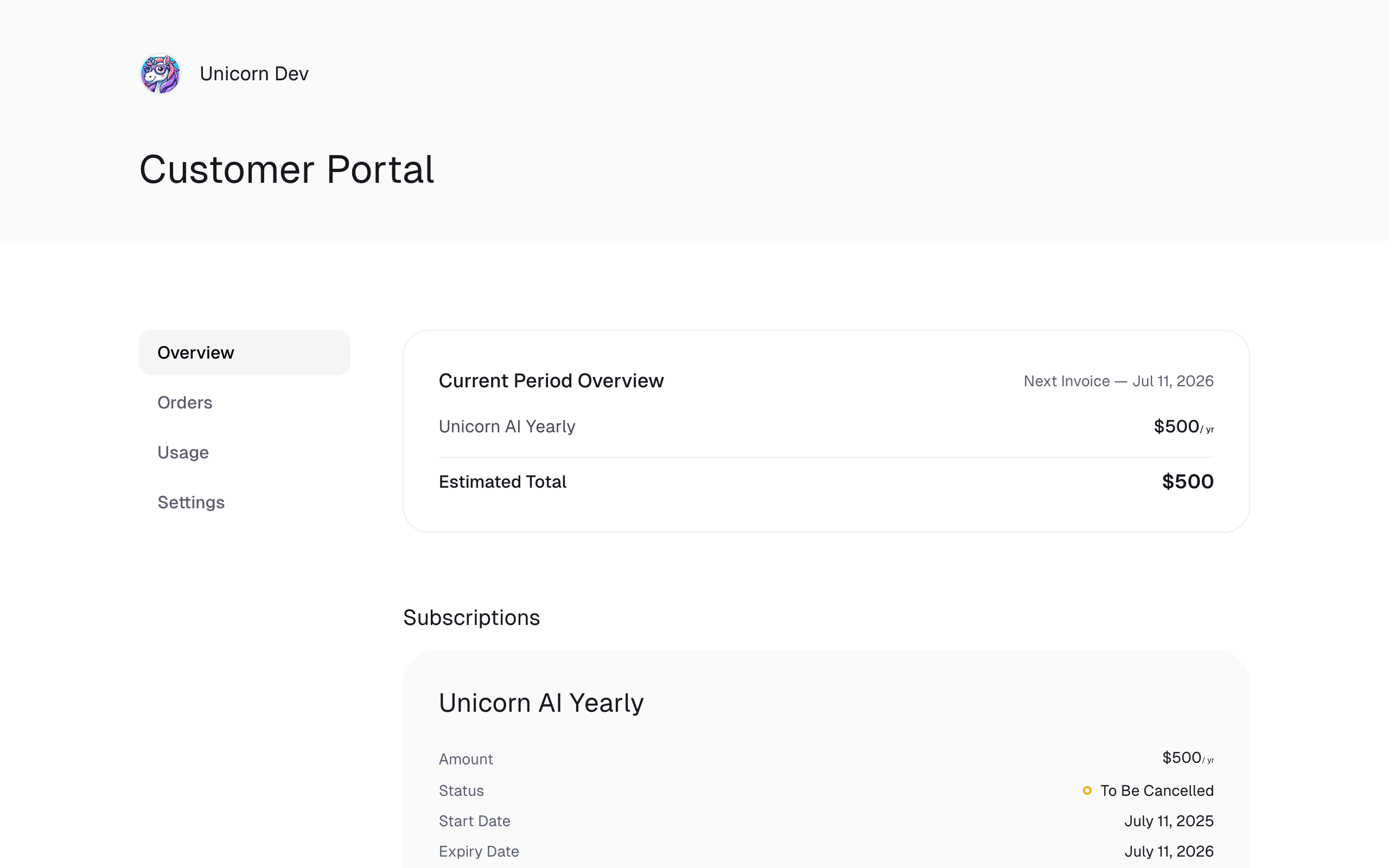
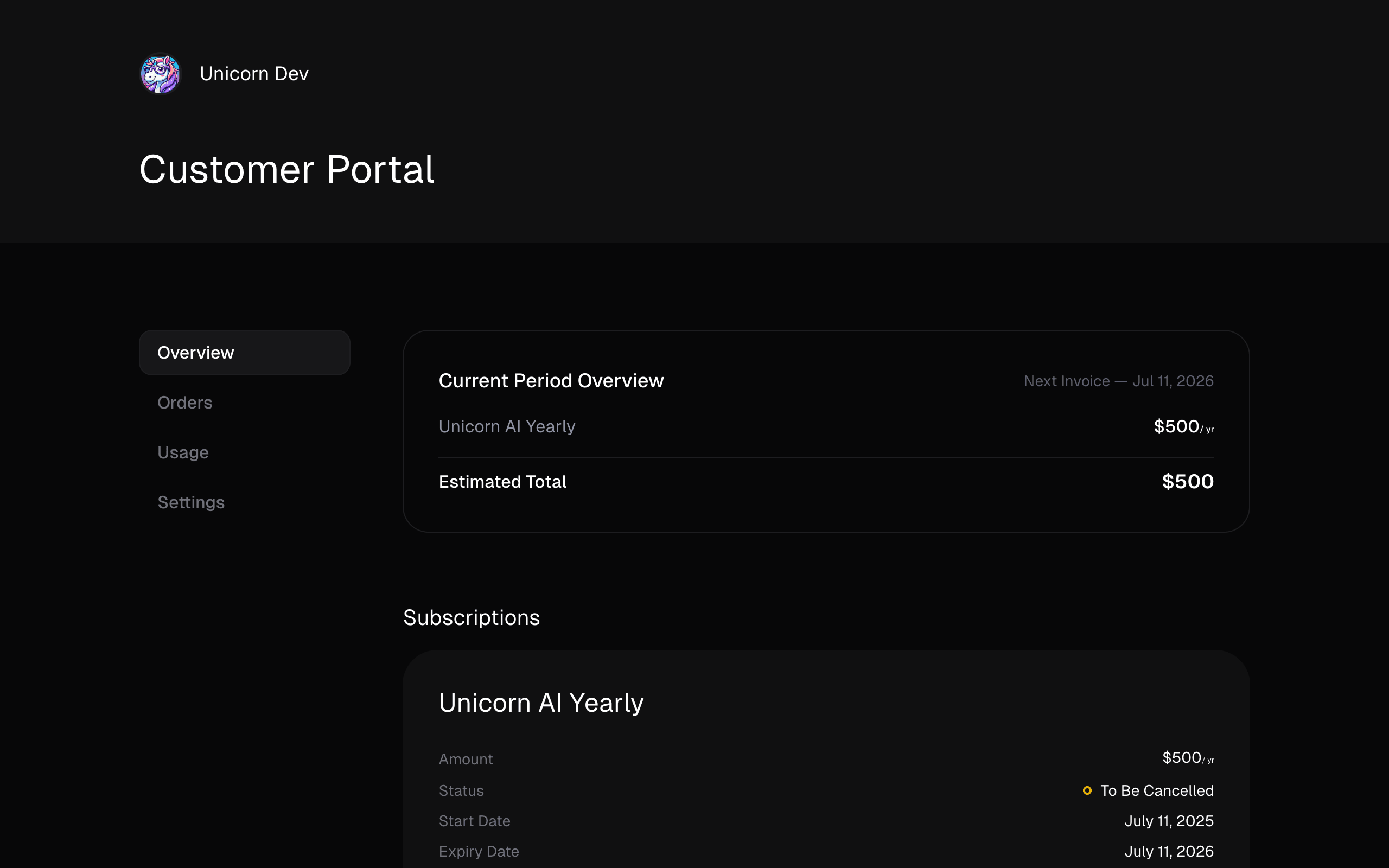
The hosted Customer Portal exposes customer-owned billing records and recovery actions without giving the browser an organization credential.
## What customers can do
The portal always provides purchase history, invoices, receipts, active subscriptions, benefit access, period-end cancellation, and default payment-method replacement.
Optional settings can also expose email changes, plan changes, seat management, and metered usage.
## Why it matters
| Customer need | Portal route |
| --------------------------- | -------------------------------------------------------------------------------- |
| A renewal failed | Replace the saved payment method without sending card data through your servers. |
| A subscription should stop | Schedule cancellation through the same online relationship used to purchase. |
| Accounting needs a document | Edit invoice identity details and download invoices or payment receipts. |
| Purchased access is needed | Retrieve licenses, files, connected-community access, and other benefits. |
## Decisions and edge cases
No. Invoice and receipt access, subscription cancellation, and secure payment-method recovery remain available. You can disable optional plan, email, seat, and usage controls.
The hosted interface is consistent across organizations. Build a branded surface with the [Customer Portal API](/api-reference/customer-portal/overview) when you need your own UI.
Payment-method replacement remains on the hosted portal so card information does not enter your infrastructure.
The stable portal uses an emailed one-time code. A signed-in product can instead create a short-lived, pre-authenticated [customer session](/features/customer-portal/navigate-customers).
The failure email links to the portal. Saving another default payment method causes Ruba to retry the open charge immediately.
## Continue the build
Publish the stable URL or create an authenticated handoff.
Decide which optional self-service controls appear.
Use customer-scoped operations behind your own product UI.
 ## What customers can do
The portal always provides purchase history, invoices, receipts, active subscriptions, benefit access, period-end cancellation, and default payment-method replacement.
Optional settings can also expose email changes, plan changes, seat management, and metered usage.
## Why it matters
| Customer need | Portal route |
| --------------------------- | -------------------------------------------------------------------------------- |
| A renewal failed | Replace the saved payment method without sending card data through your servers. |
| A subscription should stop | Schedule cancellation through the same online relationship used to purchase. |
| Accounting needs a document | Edit invoice identity details and download invoices or payment receipts. |
| Purchased access is needed | Retrieve licenses, files, connected-community access, and other benefits. |
## Decisions and edge cases
## What customers can do
The portal always provides purchase history, invoices, receipts, active subscriptions, benefit access, period-end cancellation, and default payment-method replacement.
Optional settings can also expose email changes, plan changes, seat management, and metered usage.
## Why it matters
| Customer need | Portal route |
| --------------------------- | -------------------------------------------------------------------------------- |
| A renewal failed | Replace the saved payment method without sending card data through your servers. |
| A subscription should stop | Schedule cancellation through the same online relationship used to purchase. |
| Accounting needs a document | Edit invoice identity details and download invoices or payment receipts. |
| Purchased access is needed | Retrieve licenses, files, connected-community access, and other benefits. |
## Decisions and edge cases