> ## Documentation Index
> Fetch the complete documentation index at: https://docs.getruba.com/llms.txt
> Use this file to discover all available pages before exploring further.
# Deliver Meter Credits
> Build your own Credits benefit
export const RubaSocials = () => {
if (typeof document === "undefined") {
return null;
}
const inject = () => {
const footer = document.getElementById("footer");
if (!footer || document.getElementById("ruba-socials")) {
return false;
}
const isDark = document.querySelector("html.dark") || document.querySelector('html[class*="dark"]');
const lineColor = isDark ? "#383838" : "#e8e8ed";
const iconColor = isDark ? "#8e8e93" : "#86868b";
const markColor = isDark ? "#ffffff" : "#08080c";
const hoverColor = "#0071e3";
const div = document.createElement("div");
div.id = "ruba-socials";
div.style.cssText = `display:flex;align-items:center;gap:20px;padding-top:20px;margin-top:20px;border-top:1px solid ${lineColor};width:100%`;
const logo = `Ruba`;
const spacer = ``;
const ig = ``;
const li = ``;
const x = ``;
const github = ``;
div.innerHTML = logo + spacer + ig + li + x + github;
footer.appendChild(div);
return true;
};
if (!document.documentElement.dataset.rubaSocialsObserver) {
document.documentElement.dataset.rubaSocialsObserver = "true";
const observer = new MutationObserver(() => {
if (!document.getElementById("ruba-socials")) {
inject();
}
});
observer.observe(document.body, {
childList: true,
subtree: true
});
}
setTimeout(() => {
if (!inject()) {
const interval = setInterval(() => {
if (inject()) {
clearInterval(interval);
}
}, 500);
setTimeout(() => clearInterval(interval), 10000);
}
}, 300);
return null;
};
The Credits benefit lets you top up a customer's Usage Meter balance.
## Topping Up Usage Meter Balance
The Credits benefit adds units to a customer's Usage Meter balance at different moments based on the kind of product they buy.
### Subscription Products
The customer receives the unit amount specified by the benefit at the start of every subscription cycle, monthly or yearly.
### One-Time Products
The customer receives the unit amount specified by the benefit a single time at purchase.
## Carrying Over Unused Credits
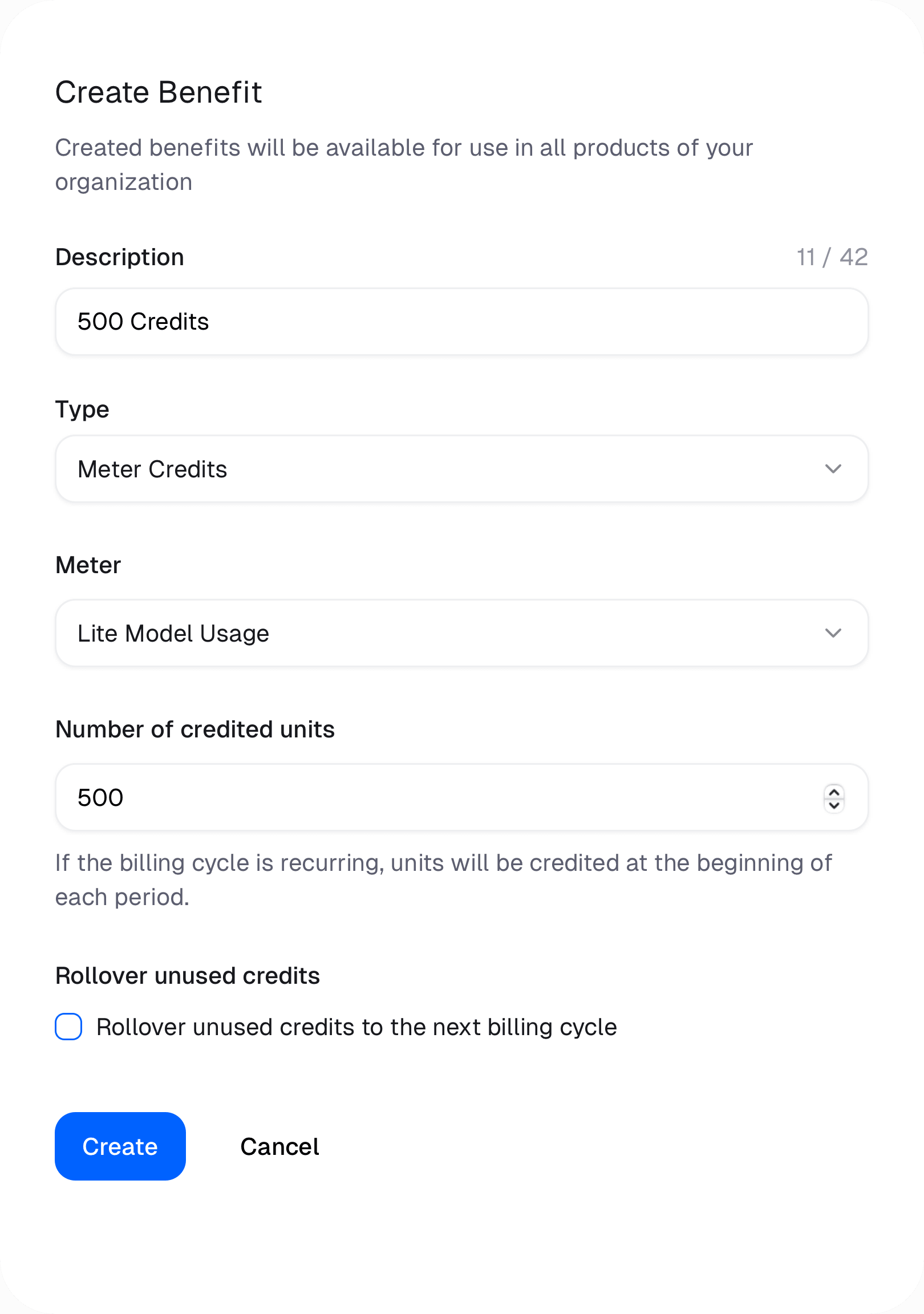
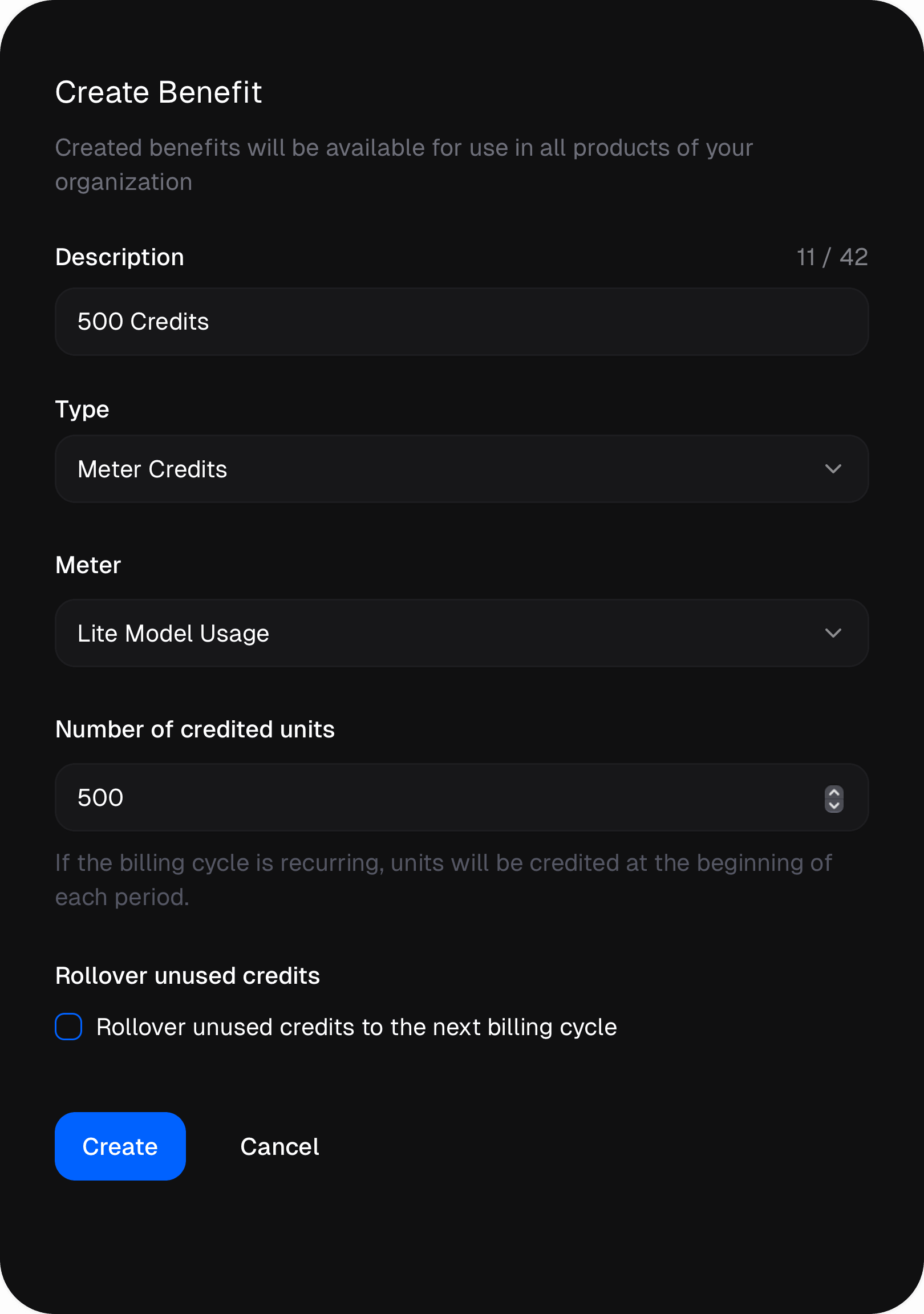
You can opt to carry unused credits forward into the following billing cycle. This means that when a customer doesn't exhaust all of their credits within a billing cycle, the leftover credits roll into their balance for the next cycle. To turn on this behavior, tick the "Rollover unused credits" checkbox when creating or editing the Credits benefit.
Changing the rollover setting for a benefit only affects credits issued after
the change. Credits already issued remain unaffected.
 ## Topping Up Usage Meter Balance
The Credits benefit adds units to a customer's Usage Meter balance at different moments based on the kind of product they buy.
### Subscription Products
The customer receives the unit amount specified by the benefit at the start of every subscription cycle, monthly or yearly.
### One-Time Products
The customer receives the unit amount specified by the benefit a single time at purchase.
## Carrying Over Unused Credits
You can opt to carry unused credits forward into the following billing cycle. This means that when a customer doesn't exhaust all of their credits within a billing cycle, the leftover credits roll into their balance for the next cycle. To turn on this behavior, tick the "Rollover unused credits" checkbox when creating or editing the Credits benefit.
## Topping Up Usage Meter Balance
The Credits benefit adds units to a customer's Usage Meter balance at different moments based on the kind of product they buy.
### Subscription Products
The customer receives the unit amount specified by the benefit at the start of every subscription cycle, monthly or yearly.
### One-Time Products
The customer receives the unit amount specified by the benefit a single time at purchase.
## Carrying Over Unused Credits
You can opt to carry unused credits forward into the following billing cycle. This means that when a customer doesn't exhaust all of their credits within a billing cycle, the leftover credits roll into their balance for the next cycle. To turn on this behavior, tick the "Rollover unused credits" checkbox when creating or editing the Credits benefit.